

Blog
Buying a Used Phone? The 12 Checks That Save You From a Costly Mistake


Buying used is the single best value in phones right now. A two-year-old flagship costs a third of what it did new and does almost everything the current model does. It is also the easiest way to lose a few hundred dollars on a device you cannot activate, cannot repair, or cannot sell on.
The difference comes down to about fifteen minutes of checking. Here is the list, in the order that matters, with the two checks that can make a phone worthless placed first.
Before Money Changes Hands
1. Check the IMEI
This is the one check you absolutely cannot skip, and it takes ninety seconds.
Ask the seller for the IMEI number, or dial star-hash-zero-six-hash on the phone to display it. Then run it through a free IMEI checker, and your carrier can also verify it. You are looking for three things: that the phone is not reported lost or stolen, that it is not blacklisted by a carrier, and that it is not still under an active instalment plan.
A blacklisted phone cannot be activated on any major US network. It is a very expensive paperweight, and the seller may not even know, if they bought it used themselves. If the seller refuses to provide the IMEI before meeting, walk away.
2. Confirm it is signed out of the previous owner account
An iPhone still linked to someone else Apple Account is locked by Activation Lock and cannot be set up, reset, or used. The same applies to an Android device still carrying a Google account through Factory Reset Protection.
What to check in person:
- iPhone: Go to Settings and confirm there is no Apple Account signed in at the top. Then Settings, General, Transfer or Reset iPhone, and confirm Erase All Content and Settings does not ask for someone else password.
- Android: Settings, Accounts, and confirm no Google account is listed.
- Best practice is to have the seller perform the factory reset in front of you and then watch the phone complete first-time setup without asking for anyone credentials.
Never accept “I will remove it later.” Once they walk away, you have no leverage and often no way to reach them.
The Physical Checks
3. Battery health
On iPhone: Settings, Battery, Battery Health and Charging. You want to see maximum capacity, and you want it above 85 percent for a phone you intend to keep a while. Below 80 percent means a battery replacement is due immediately, so factor 60 to 130 dollars into your offer.
Android varies by manufacturer and several do not expose this clearly, which is a real disadvantage when buying used Android. Where it is hidden, ask how old the phone is and treat anything over three years as needing a battery. Our guide to battery health covers how to interpret the numbers.
Also check for swelling while you have it in hand: set it face-down on a flat surface and see whether it rocks, and run a fingernail along the seam between screen and frame. A lifted screen means a swollen battery, which is a safety issue and a bargaining point.
4. The screen, properly
Hold it at an angle under bright light to reveal scratches that are invisible head-on. Then:
- Display a plain white image full screen. You are looking for yellow or pink patches, dark spots, and dead pixels.
- Display a plain black image. This reveals backlight bleed on LCD and bright stuck pixels on OLED.
- Display a mid-grey image. This is how you spot OLED burn-in — faint ghosting of a keyboard, status bar, or navigation buttons. Burn-in is permanent and only a screen replacement fixes it.
- Drag an icon slowly across every part of the screen. Dead touch zones are common after a drop or a cheap screen replacement, and they are easy to miss if you only tap the middle.
- Check the edges and corners for lifting, which indicates either a previous repair done poorly or a swelling battery.
5. Biometrics
Enrol your own face or fingerprint during the inspection. Do not take the seller word that it works.
Face ID in particular is worth testing carefully, because it cannot be repaired by a third party on most models — the TrueDepth module is paired to the logic board. A phone with broken Face ID will never have working Face ID again, and that is a permanent discount, not a fixable fault. See Face ID troubleshooting for what the failure modes look like.
6. Cameras, all of them
Open the camera app and cycle through every lens: wide, ultrawide, telephoto, front. Take a photo with each. Then record a short video while panning slowly, which reveals stabilisation faults that still photos hide.
Look into each lens with a light for cracked cover glass, and shoot one photo toward a bright window. Cracked camera cover glass produces heavy haze and flare in exactly that situation while looking almost normal indoors.
7. Ports, buttons, speakers
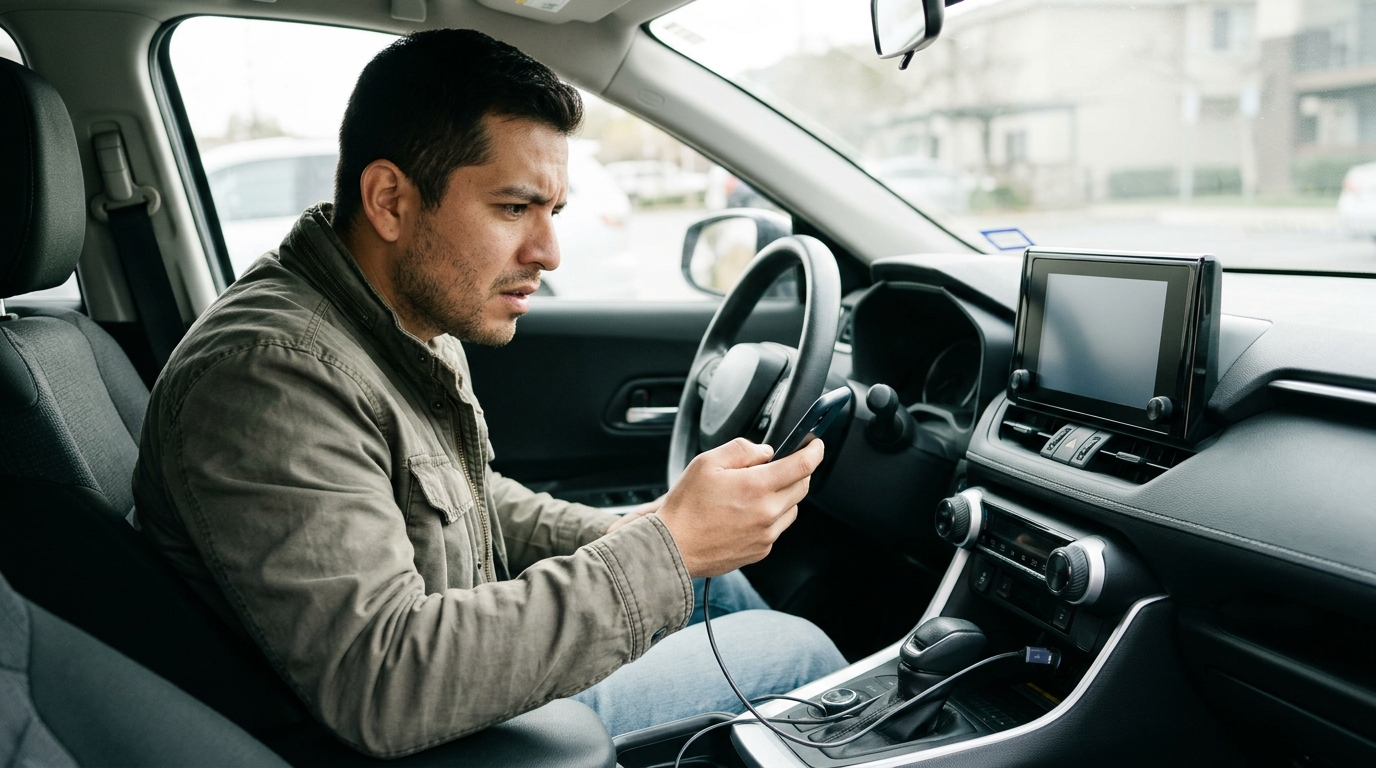
- Charging: plug in with your own cable and confirm it charges, and that the cable sits firmly rather than wobbling.
- Wireless charging, if the model supports it.
- Every button: power, both volume directions, and the mute switch or Action Button. Press each one several times.
- Speakers: play music at full volume and listen for crackle or distortion. Then make a call to test the earpiece separately.
- Microphones: record a voice memo, and also test the mic on a call, since phones use different mics for different purposes.
- Wi-Fi and Bluetooth: connect to a network and pair something.
8. Water damage history
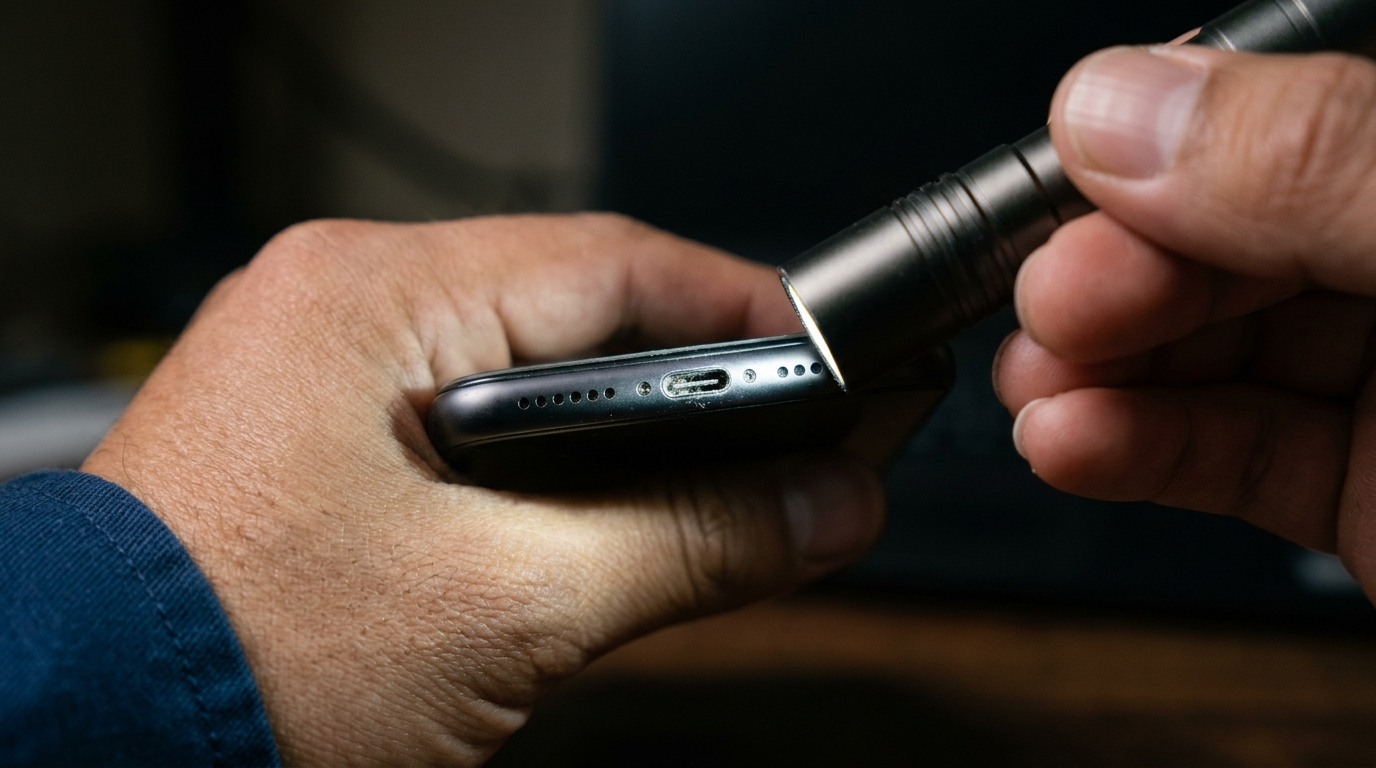
iPhones have a liquid contact indicator inside the SIM tray slot. Pop the tray and look in with a flashlight: white or silver is fine, red or pink means water got in. Many Android phones have a similar indicator, though location varies.
A triggered indicator is not an automatic no, but it means corrosion is in the device history, and corrosion is progressive. Price accordingly or walk.
The Checks Nobody Makes
9. How long will it still get security updates?
This is the most consequential and most ignored factor in buying used. A phone that no longer receives security patches is a real risk for banking and email, and no repair fixes it.
Apple typically supports iPhones for five to seven years from release. Google and Samsung now commit to seven years on current flagships, but older models had much shorter windows, often three to four years. Look up the specific model release date and work out how much support time remains. A phone with eighteen months of patches left is worth substantially less than one with four years.
Our guide to how long a phone should last goes into this in more detail.
10. Can it actually be repaired?
Repairability varies enormously between models, and it determines what you will pay when something inevitably breaks. Some phones are a 40 dollar battery swap; others require removing a bonded rear panel first. Check which phones are most repairable before you commit.
There is also a new wrinkle specific to Texas. Under HB 2963, which took effect September 1, 2026, manufacturers must supply parts, tools and documentation for devices first sold or used in Texas on or after that date. The law is not retroactive. A device that first entered the Texas market before September 2026 carries no such guarantee.
In practice this means a used phone first sold in late 2026 or later comes with a parts-availability guarantee that an otherwise identical 2024 unit does not. It is a genuine and almost entirely unnoticed reason to prefer the newer unit. We covered the law in detail in our guide to the Texas right to repair law.
11. Carrier lock and compatibility
Confirm the phone is unlocked, or locked to the carrier you actually use. Ask directly and verify with your carrier using the IMEI. Also check band compatibility if it is an international model, since some variants lack bands that US carriers depend on.
12. Any previous repairs, and with what parts?
Ask directly. A previous repair is not disqualifying, but a repair done with poor-quality parts shows up as a dimmer screen, worse touch response, faster battery drain, or a non-functioning feature.
On recent iPhones, Settings, General, About lists Parts and Service History and flags non-genuine components. Check it. For context on what those warnings actually mean, see whether repairs void your warranty.
Meeting Safely
- Meet in a public, well-lit place with cameras. Many police stations offer designated safe exchange zones.
- Bring your own cable and a charged power bank so you can run every test without depending on the seller.
- Bring your own SIM to confirm it activates and makes a call before you pay.
- Take your time. A seller rushing you through the inspection is telling you something.
- Prefer traceable payment over cash where the platform offers buyer protection.
What a Fair Price Looks Like
Work backwards from condition rather than from the asking price. Start with what the model sells for in good condition, then subtract the repairs you already know it needs: a battery below 80 percent is 60 to 130 dollars, a scratched or burned-in screen is 150 to 300, cracked camera cover glass is 50 to 110, a dodgy charging port is 80 to 200.
If the seller will not move on price for known faults, the phone is not a bargain. And if the total of known repairs approaches half the phone value, you are better off looking at the next listing. Our comparison of repair versus trade-in versus buying new walks through the same arithmetic from the other direction.
Buying This Holiday Season
If you are buying a used phone as a gift, two extra things. First, do the activation and setup checks yourself before wrapping it, because discovering Activation Lock on Christmas morning is a bad outcome with no recourse. Second, build the cost of a battery replacement into the gift budget on anything over two years old, so the recipient is not dealing with a dying battery in February.
Stop to Fix in San Antonio
Bring a used phone in before you buy it, or straight after. Our free diagnostic checks battery health, screen condition, port data lines, biometrics and water damage history, and tells you what it will cost to put right. Fifteen dollars of caution beats a three hundred dollar mistake.
Bandera Road: 11851 Bandera Rd., Suite 104, San Antonio, TX 78023 — (210) 325-9913
Pleasanton: 1320 W Oaklawn Suite D, Pleasanton, TX 78064 — (210) 371-8328
Quick Recap
- Check the IMEI before you meet — blacklisted phones cannot be activated on any US network
- Watch the seller factory reset it and complete setup without entering anyone credentials
- Battery health above 85 percent, or negotiate the replacement cost into the price
- Test the screen on white, black and mid-grey — grey is how you catch OLED burn-in
- Enrol your own face or fingerprint; Face ID cannot be third-party repaired on most models
- Check the liquid contact indicator in the SIM tray — red or pink means water history
- Check the remaining security update window — this is the most ignored factor and no repair fixes it
- In Texas, devices first sold from September 1, 2026 carry a parts-availability guarantee that older units do not
- Bring your own cable, power bank and SIM, and meet somewhere public