

Blog
Power or Volume Button Not Working? Start by Taking Back Control

A power button that needs three presses to register. A volume button that does nothing. A mute switch stuck halfway. Or the worst version: a power button that has stopped working entirely, on a phone you now cannot restart, cannot lock, and are slightly afraid to let run out of battery.
Buttons are among the most-used moving parts on a phone and among the least discussed when they fail. The good news is that there are software workarounds that restore full control of a phone with a completely dead power button, and the repair itself is usually inexpensive. Here is both.
First: Get Control of the Phone Back
If your power button is dead, do this before anything else. These features let you lock, restart and shut down the phone entirely from the screen, which removes the urgency and means you are not stuck.
On iPhone
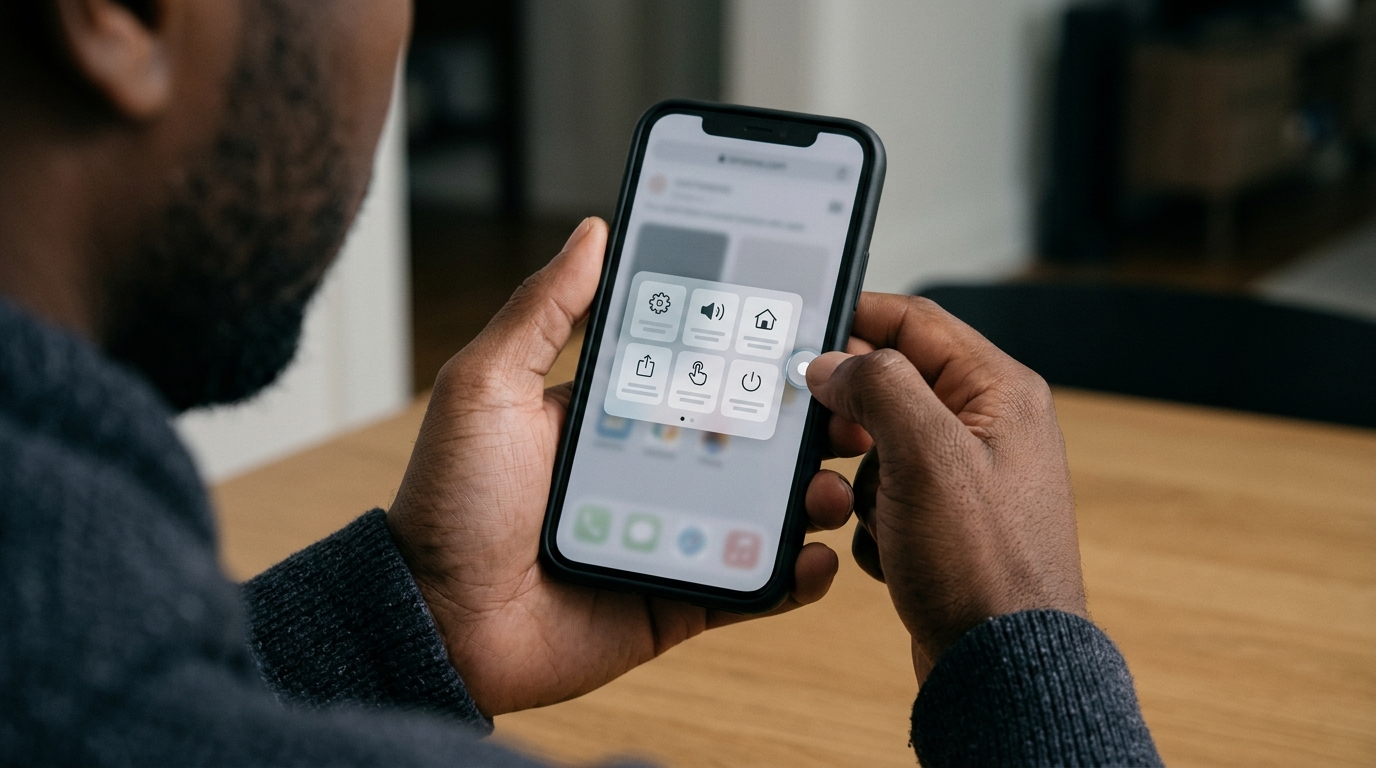
Turn on AssistiveTouch. Settings, Accessibility, Touch, AssistiveTouch, and switch it on. A small floating button appears on screen. Tapping it gives you a menu containing Device, and under Device you will find Lock Screen, Volume Up, Volume Down, Mute, and under More you will find Restart.
That one setting replaces every physical button you have lost. You can reposition the floating button anywhere on the edge of the screen, and customise which actions appear.
Shut down without the button. Settings, General, scroll to the bottom, Shut Down. This works regardless of whether your power button functions.
Map Back Tap as a shortcut. Settings, Accessibility, Touch, Back Tap. You can assign a double or triple tap on the back of the phone to Lock Screen or to the Accessibility Shortcut. It is genuinely convenient even on a phone with working buttons.
On Android
Turn on the Accessibility Menu. Settings, Accessibility, Accessibility Menu, and switch it on. This adds a large on-screen panel with power, volume, screenshot, recent apps and lock options.
Power off from Quick Settings. Swipe down twice from the top of the screen and look for the power icon in the panel. On most current Android versions this gives you power off and restart without touching a button.
Tap to wake and lift to wake, under Display settings, mean you do not need the power button to wake the phone at all.
Why Buttons Fail
Six causes, roughly in order of how often we see them.
1. Debris under the button
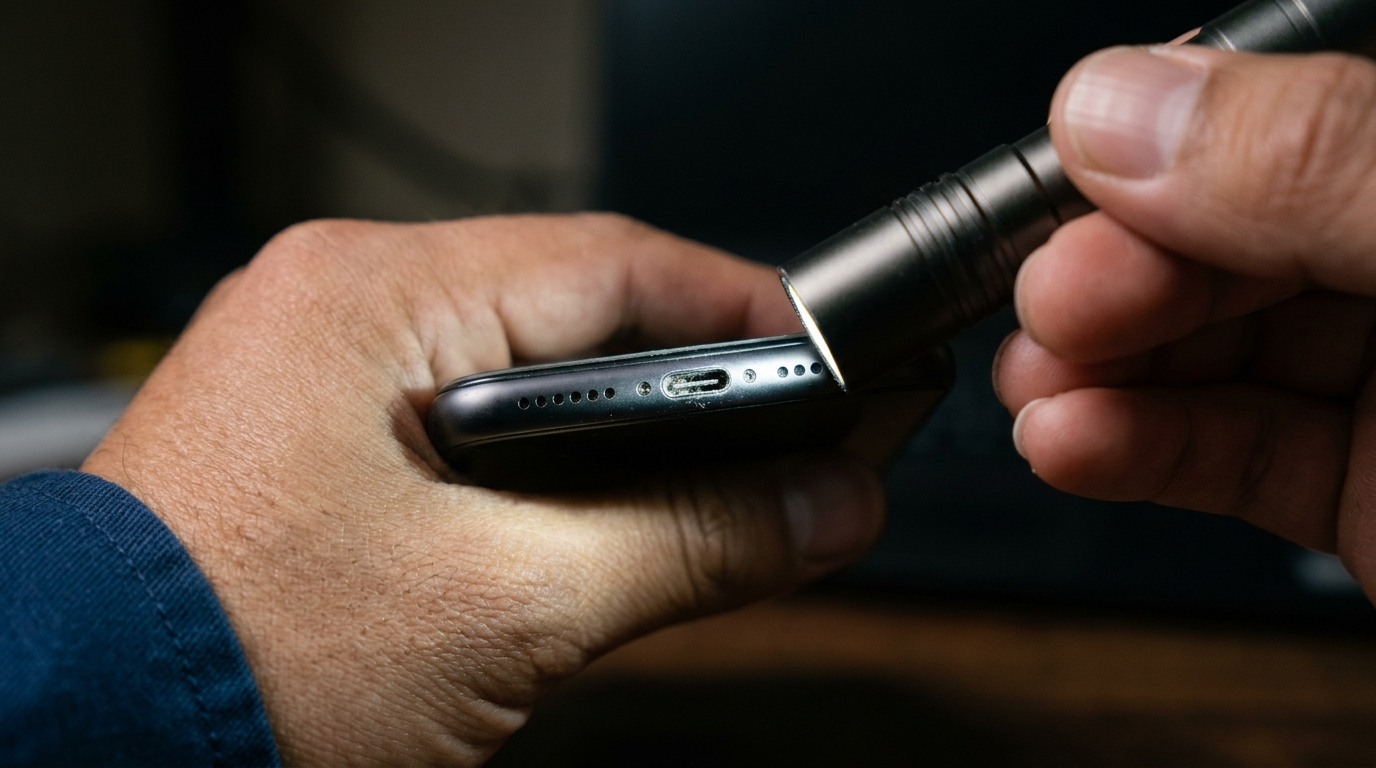
The most common and the easiest to fix. Lint, dust, sand and pocket grit work into the narrow gap around the button and pack underneath it. The button either stops travelling fully or stops returning.
Symptoms: the button feels mushy, stiff, or stays pressed in. Clicking feels different from the button on the other side of the phone.
Fix: power the phone off, then work the button fifteen or twenty times in a row, which often breaks up compacted debris. Then brush around the seam with a dry soft toothbrush, tilt the phone so the gap faces down, and brush again. A toothpick can lift material out of the seam, but do not lever against the button itself.
2. The case
Worth ruling out in five seconds because it costs nothing. Cases with integrated button covers transfer your press through a layer of plastic or rubber, and when a case is slightly off-size, misaligned, or has deformed with age, that layer stops transferring the press properly.
Take the case off and test the bare button. If it works, the case is the problem. This is also why a button can appear to fail the day after you change cases.
3. A worn tactile dome
Under each button is a small metal dome switch that collapses when pressed and springs back. These are rated for a finite number of presses, and a power button on a four-year-old phone has been pressed tens of thousands of times.
Symptoms: the button still moves normally but registers inconsistently, or needs a harder press than it used to. It gets gradually worse rather than failing suddenly. This is wear, not damage, and it needs the button flex replaced.
4. Drop damage
Buttons sit on a thin flex cable running along the inside edge of the frame. A drop that lands on the side or corner of the phone can crack that flex or unseat its connector, which is why a button often fails immediately after an impact even though nothing looks broken.
Frame deformation from a drop can also pinch a button so it stays permanently pressed, which causes stranger problems than a dead button does.
5. Water and corrosion
Button flex cables run close to the frame edge and are among the first things to corrode after moisture exposure. Corrosion-related button failure often appears weeks after the water incident, which is why the connection gets missed. If your phone has ever been wet, see what water does over time.
6. Software, not hardware
A frozen system stops responding to buttons, which looks exactly like button failure. If the screen is also unresponsive, this is probably your answer.
Force restart is the test. On iPhone: press and release Volume Up, press and release Volume Down, then hold the Side button until the Apple logo appears. On Android: hold Power and Volume Down together for ten to twenty seconds. If the phone restarts, the buttons work and you had a software freeze.
A Stuck Button Is Worse Than a Dead One
This deserves its own section, because the symptoms look nothing like a button problem and people chase the wrong fault for weeks.
A button held permanently pressed, by debris or frame damage, causes:
- Boot loops and recovery mode. A stuck volume button during startup puts many phones into recovery or download mode, so the phone appears to be failing to boot. Related: why phones restart on their own.
- Volume that will not change, or a volume slider that snaps back to one end.
- Endless screenshots, if a power and volume combination is being held.
- A phone that will not stay on, if the power button is effectively being held down.
- Media that plays at the wrong volume regardless of what you set.
The test: compare both volume buttons and the power button by feel. A stuck button sits at a different height or has no travel. Compare against the same button on the opposite side where possible.
What Repair Costs
Button repair is usually one of the cheaper repairs, with one significant exception.
On most phones the buttons sit on a dedicated flex cable, and replacing that cable is a moderate job: 70 to 140 dollars at an independent shop depending on the model and how much disassembly is needed to reach it.
Where it gets more expensive is phones where the button flex is integrated with another assembly, or where reaching it requires removing a bonded rear panel or the display first. On those, labour dominates and the figure can reach 180 dollars or more.
If debris is the cause, cleaning may be all that is needed, and that should not cost you a repair at all. Ask for the port and buttons to be checked and cleaned as part of a diagnostic before anyone quotes you a part.
One thing worth knowing: on recent iPhones the Side button houses more than a switch. It is involved in power delivery and on some models in other sensing functions, which makes the repair more delicate than a volume button. It is still a routine job, but it is not the same job.
Before You Hand the Phone Over
Back up first. Button repairs on many models require opening the display or rear panel, and while data loss is not expected, a backup costs you ten minutes and removes the risk entirely. Our guide to backing up before a repair covers what to check.
Also turn AssistiveTouch or the Accessibility Menu on before the repair if your power button is dead, so the technician can operate the phone to test it.
Making Buttons Last
- Brush the button seams monthly. A dry soft toothbrush, ten seconds, phone off. The same habit that keeps your charging port working keeps buttons working.
- Use software alternatives for repetitive actions. Tap to wake, lift to wake, and Back Tap all reduce how often you press the power button. Fewer presses means a longer life for the dome switch.
- Choose a case with open button cutouts rather than covered buttons, or one where the covers are firm and well aligned. Covered buttons wear out faster and fail more often.
- Replace a deformed case. Silicone and TPU cases soften and stretch over a year or two, and a stretched case puts constant low pressure on buttons.
- Do not store the phone in a tight pocket with keys or coins. This is one of the habits in our list of things that quietly damage phones.
Stop to Fix in San Antonio
Bring it in and we will tell you whether it is debris, the case, or a worn flex cable, before quoting anything. Cleaning is part of the free diagnostic, so if that is all it needs, that is all you pay for. If the flex needs replacing, most models are same-day. Here is how to choose a shop you can trust.
Bandera Road: 11851 Bandera Rd., Suite 104, San Antonio, TX 78023 — (210) 325-9913
Pleasanton: 1320 W Oaklawn Suite D, Pleasanton, TX 78064 — (210) 371-8328
Quick Recap
- Dead power button? Turn on AssistiveTouch (iPhone) or the Accessibility Menu (Android) — on-screen lock, volume and restart
- You can shut an iPhone down from Settings, General, Shut Down without the button
- Take the case off and test — misaligned or stretched cases are a common and free fix
- Work the button 15 to 20 times, then brush the seam with the phone off to clear debris
- A stuck button causes stranger faults than a dead one — boot loops, recovery mode, endless screenshots
- Force restart is the software test — if the phone restarts, the buttons work
- Button flex replacement typically runs 70 to 180 dollars depending on access
- Buttons failing weeks after water exposure is corrosion, and the two are connected
- Brush the seams monthly and use tap-to-wake to reduce wear