

Blog
Liquid Detected in Your Charging Port? Do This, Not Rice

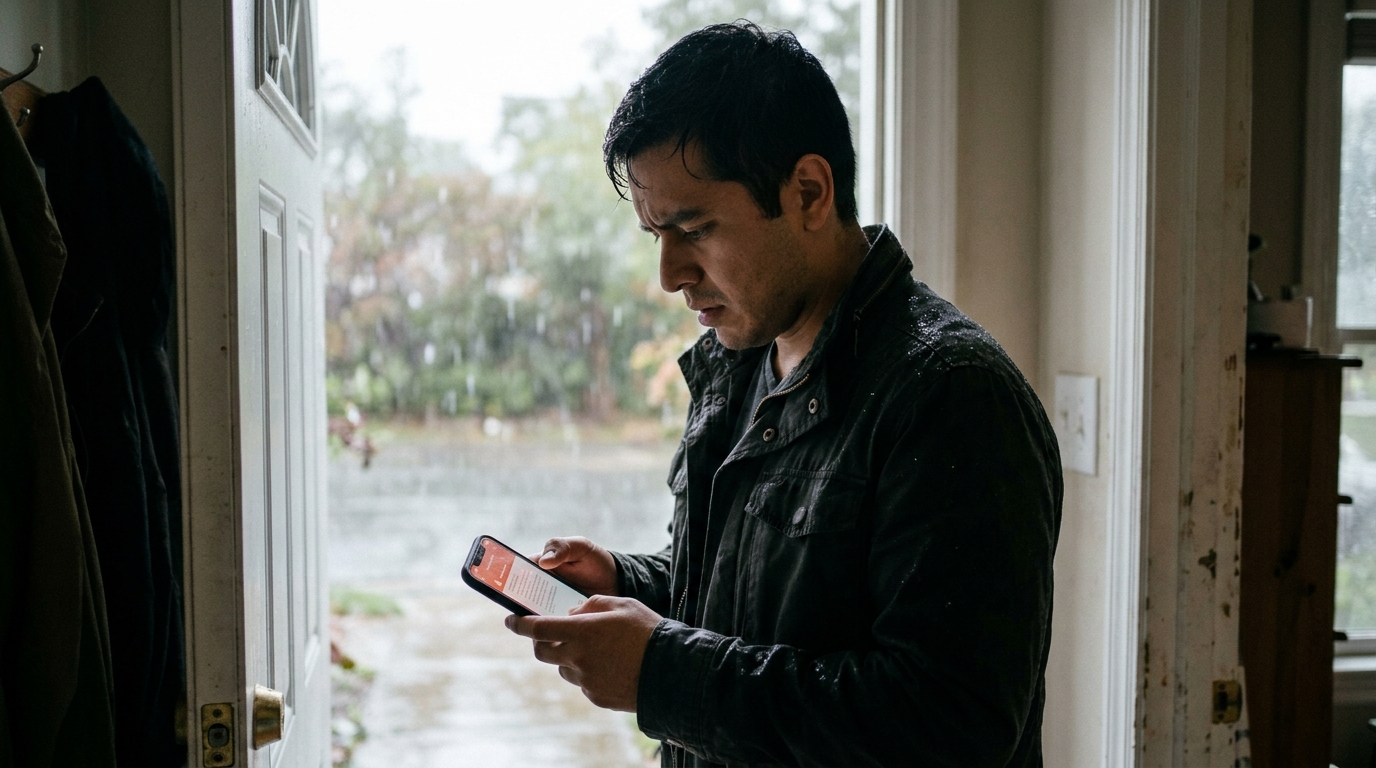
You plug your phone in and instead of charging you get a warning: liquid detected in the connector, charging not available. Your phone was never dropped in water. It has been raining, or you went to the gym, or you left it in a humid bathroom while you showered.
This is a different situation from a phone that went into a pool or a sink, and it needs a different response. If yours was fully submerged, read what to do in the next 60 minutes instead, because that is a genuine emergency and the clock matters. What follows is for moisture in the port alone.
What the Warning Actually Is
That alert is not your phone being dramatic. It is a safety interlock. Your phone detects moisture across the connector pins and refuses to pass current through them, because applying voltage to wet contacts causes two things: immediate corrosion, and in some cases arcing that physically pits the pins.
In other words, the warning is doing you a favour. The worst outcome here is not the water. It is charging through the water.
Phones with an IP67 or IP68 rating are sealed against water entering the body, but the charging port is an open cavity by design. Water sitting in the port is not inside your phone. Ignoring the warning is what gets it inside.
What to Do, In Order
- Unplug the cable. Immediately, and leave it unplugged.
- Hold the phone with the port facing down and tap it gently against your palm. Most of the water in a port is held by surface tension and comes straight out with a few firm taps. This is the single most effective step and most people skip it.
- Leave it somewhere with dry moving air, port facing down, for at least thirty minutes. A room with a fan or air conditioning running is ideal. In San Antonio in August, indoors with the AC on is far better than outside in the heat.
- Try charging again after thirty minutes. If the alert returns, the port is still damp. Repeat the tapping and give it longer.
- If the alert persists, give it up to 24 hours before trying again. Drying is slower than people expect, particularly in humid weather, and a port can look and feel dry while moisture remains between the pins.
- Use wireless charging in the meantime, if your phone supports it. This is completely safe while the port is wet, and it means you are not tempted to force the issue.
Do Not Use the Emergency Override
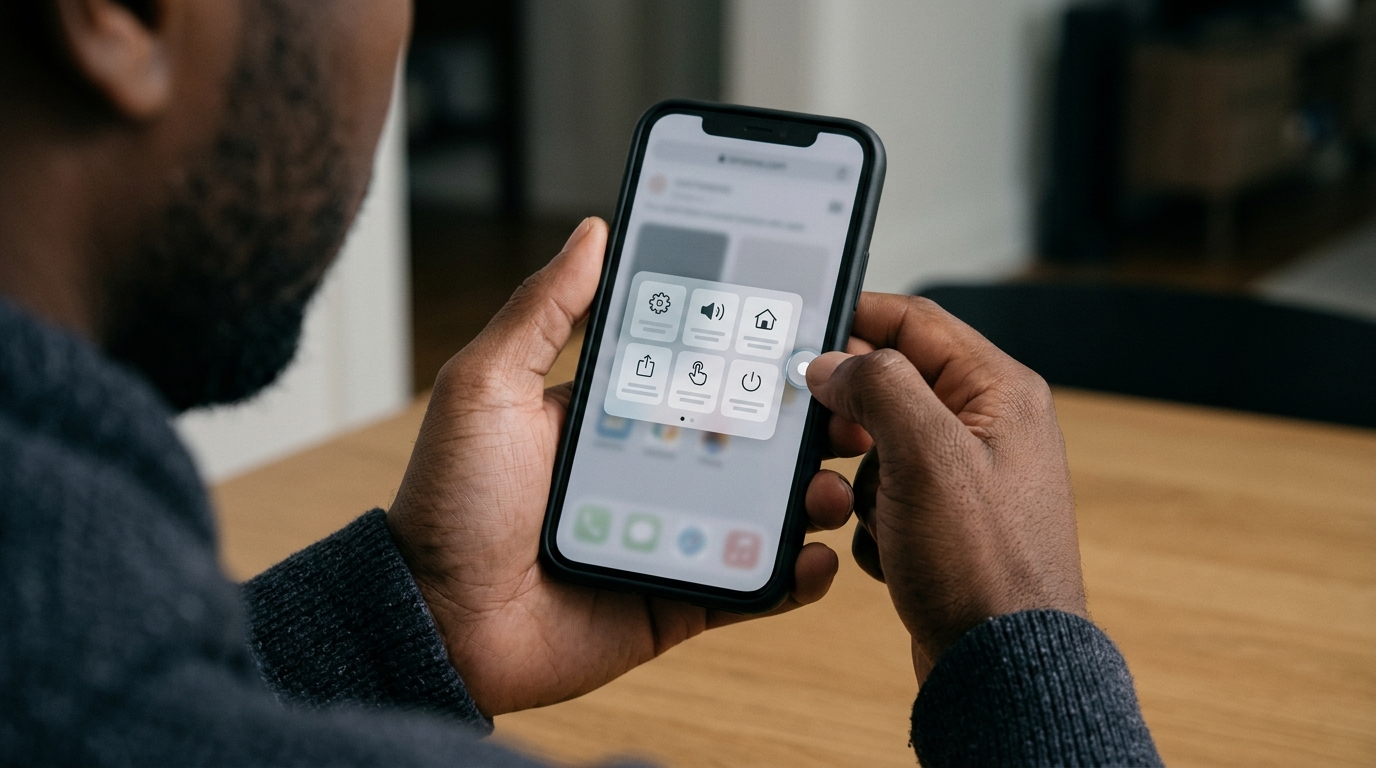
iPhones offer an option to charge anyway, intended for genuine emergencies where you need the phone working regardless of consequences.
Treat that as what it says: an emergency measure. Using it routinely because you want your phone charged tonight is how a port that would have dried out fine becomes a port that needs replacing. If you have wireless charging available, there is no emergency.
What Never to Do
- Do not put anything in the port to dry it. No cotton swabs, no rolled paper towel, no tissue. Fibres shed off and lodge between the pins, and you have converted a water problem into a debris problem that needs the port cleaned out.
- Do not use compressed air. It drives water deeper into the cavity and past the port seal rather than pulling it out.
- Do not use a hair dryer, a radiator, or sunlight. Heat is the fastest way to damage a lithium battery and can warp adhesive seals. Room temperature moving air dries a port perfectly well.
- Do not put it in rice. Apple advises against it explicitly, and the reason is practical rather than theoretical: rice does not absorb meaningful moisture through a sealed phone body, and rice dust and starch get into the port and the speaker grilles. It is a folk remedy that makes the real repair harder.
- Do not plug in accessories either. Headphones, car adapters and dongles all pass current through the same contacts.
- Do not shake it hard or swing it. Gentle tapping with the port down is the goal; violent shaking can move water from the port into the body.
When the Alert Will Not Go Away
If the warning keeps appearing after 24 to 48 hours in dry conditions, you are no longer dealing with water. One of three things is going on.
There is debris in the port, not moisture
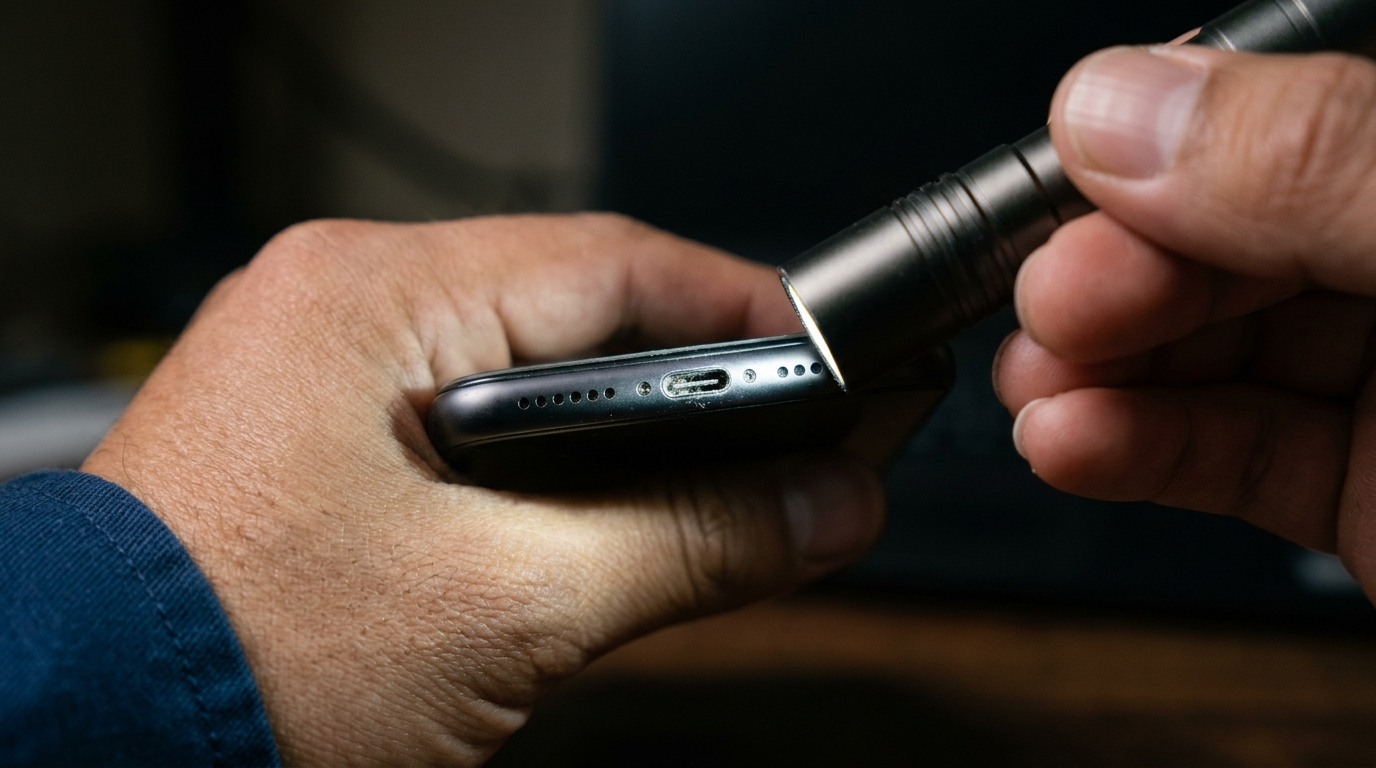
Compacted lint can hold humidity against the sensing contacts, and some ports will report liquid when debris bridges the pins. If you have never cleaned the port, this is a likely explanation. A dry wooden toothpick with the phone powered off, scraping outward, resolves it.
The sensor is reading corrosion
If water sat in the port for a while before you noticed, corrosion may already have started. Corroded contacts have a different resistance signature and can trigger the moisture warning permanently. Look into the port with a flashlight: green, white or chalky residue confirms it.
This needs attention promptly. Corrosion spreads along the flex cable away from the port, and the window where this is a port replacement rather than a board repair is measured in weeks, not months.
The port or its flex cable is damaged
Water that got past the port can damage the connector assembly itself, producing a permanent false positive.
The Real Risk Is Not Today
Here is the part worth understanding, because it changes how urgently you should act.
A phone that dries out and charges normally again is usually fine. But water that got past the port and into the body starts a slow process. Corrosion does not announce itself. It develops over weeks and months and then presents as something that looks unrelated: intermittent charging, a microphone that stops working, Wi-Fi that drops, a speaker that crackles, a phone that reboots at random.
If your phone had moisture in the port and then, six weeks later, develops an odd intermittent fault, those two facts are probably connected. Mention the water when you bring it in, even if it seems like ancient history, because it changes where a technician looks first.
When to Get It Checked
- The liquid alert persists beyond 48 hours in dry conditions
- You can see green, white or chalky residue in the port
- The phone charges only intermittently or only at a specific cable angle after drying
- The port gets warm while charging
- Any other function has become unreliable since the water — microphone, speaker, Wi-Fi, random reboots
- You used the emergency override while the port was wet
- The phone was actually submerged rather than just damp, in which case do not wait at all
Preventing the Next One
- Wireless charging as your default where available. A port you rarely open is a port that stays dry and clean.
- Do not take your phone into the bathroom while showering. Steam condenses inside cool ports, and this is a far more common cause of the liquid alert than rain.
- Dry the port deliberately after sweating or rain. A tap with the port facing down takes two seconds.
- Treat an IP rating as resistance, not immunity. Seals degrade with age, heat cycling and drops. A four-year-old phone does not have the water resistance it shipped with.
- A port cover is worth it if you work outdoors, at the gym, or around water.
Stop to Fix in San Antonio
If the liquid alert will not clear, or you can see corrosion, bring it in. Our free diagnostic includes checking for corrosion on the port and the surrounding board, which is the thing that determines whether this stays a cheap repair. We will also tell you plainly if it just needs more drying time and no repair at all. Here is what to look for when choosing a shop.
Bandera Road: 11851 Bandera Rd., Suite 104, San Antonio, TX 78023 — (210) 325-9913
Pleasanton: 1320 W Oaklawn Suite D, Pleasanton, TX 78064 — (210) 371-8328
Quick Recap
- The liquid alert is a safety interlock — charging through a wet port is what causes the real damage
- Tap the phone gently with the port facing down — most of the water comes straight out
- Dry moving air, port down, 30 minutes, then retry. Up to 24 hours if the alert returns
- Use wireless charging while you wait rather than forcing the override
- Never insert cotton swabs or paper towel, use compressed air, apply heat, or use rice
- Alert persisting past 48 hours means debris, corrosion, or port damage — not water
- Green or white residue in the port is corrosion and needs prompt attention
- A fault appearing weeks later can still be the water — always mention it
- Steam from showers causes more liquid alerts than rain does