



Blog
Pixel 10 Wireless Charging Not Working?

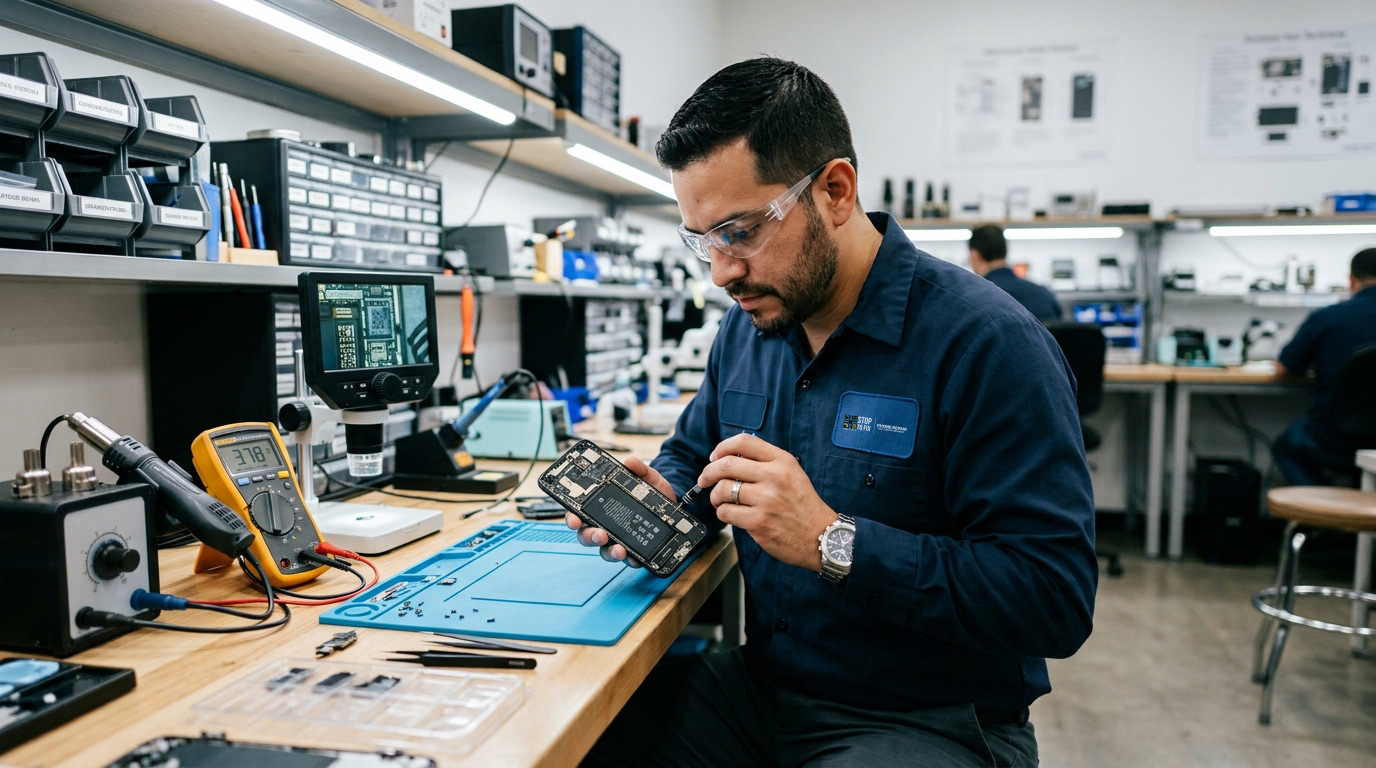
You put your Pixel 10 on the same wireless charger you’ve used for years and nothing happens. Or it starts charging, then stops after two seconds. Or it charges but at 5 watts instead of the 15 or 25 watts you expected.
This isn’t a broken phone. It’s a standards transition, and once you understand what Google changed, the fix is usually straightforward.
What Google Changed on the Pixel 10
The Pixel 10 series is one of the first major Android phone lineups to support Qi2 the new wireless charging standard along with a magnetic power profile (MPP) that aligns the phone to the charger using magnets, similar to how MagSafe works on iPhones.
This is a significant upgrade. Qi2 with magnetic alignment delivers faster, more reliable charging than the old Qi standard, because the coils line up precisely every time instead of relying on you placing the phone correctly.
But there’s a catch, and Google has stated it directly: the Pixel 10 series was not specifically optimized for older Qi wireless chargers.
That one sentence explains the overwhelming majority of Pixel 10 wireless charging complaints.
The Three Problems People Are Actually Having
Problem 1: Charging Starts, Then Stops After 1–2 Seconds
The cause is almost always your phone case.
CNET tested this directly using a Pixel 10 Pro XL, both first and second-generation Pixel Stand chargers, and three different third-party cases. The result: with any of the three cases on the phone, wireless charging would initiate and then disconnect after one to two seconds. Removing the case resolved it.
Critically, this happened whether the case was magnetic or not. Thickness and material matter more than magnet compatibility.
The fix: Remove your case and try charging again. If it works, you have two options use a Pixelsnap-compatible or officially Qi2-certified case designed for the Pixel 10’s magnetic profile, or remove the case when wireless charging.
Some Pixel 10 Pro owners report charging works fine with their case on, which suggests variability in case thickness, charger model, and phone unit. Your mileage may vary but the case is the first thing to test.
Problem 2: Charging at 5 Watts Instead of 15 or 25
The cause is an older, non-Qi2 charger.
Pixel 10 devices placed on wireless charging pads that don’t comply with the Qi2 standard charge at a maximum of 5 watts instead of the 15W the Pixel 10 supports or the 25W the Pixel 10 Pro XL supports.
9to5 Google observed this slow charging behavior with MagSafe chargers (which aren’t Qi2-certified), several older Qi chargers, and notably even with Google’s own Pixel Stand 2nd Gen which predates the Qi2 standard.
The fix: Buy a Qi2-certified charger. This is the only real solution. Look for the “Qi2” logo specifically not just “Qi” or “wireless charging compatible.” Google’s Pixelsnap charger and third-party Qi2-certified pads deliver the full speed the Pixel 10 is capable of.
If you’re not ready to replace your charger, use a USB-C cable for fast charging and keep the old pad for overnight top-ups where 5W is sufficient.
Problem 3: Phone Overheats While Wireless Charging
Users have reported Pixel 10 devices running hot during wireless charging, and the cause isn’t fully clear. Google’s May 2026 Pixel update addressed one specific charging issue: slow wireless charging speeds when the battery level is between 75% and 80%.
The fix: Make sure you’re on the latest Android security patch. Settings → System → System update. The May 2026 update (build CP1A.260505.005) and later include wireless charging fixes affecting Pixel 7a through Pixel 10 Pro Fold.
Also: don’t wireless charge inside a hot car or in direct sunlight which in San Antonio from May through September is a real consideration. Wireless charging generates more heat than cable charging by design; adding ambient heat to that pushes the phone into thermal throttling, which slows charging further or stops it entirely.
Quick Diagnostic: Is It Your Phone or Your Setup?
Run through this sequence before assuming your phone needs repair:
Step 1 Remove the case. Place the bare phone on the charger. Does it charge stably? If yes: your case is the problem.
Step 2 Check the charger standard. Look for a Qi2 logo on the charger or in its specs. No Qi2? That explains slow charging.
Step 3 Try a different charger. Borrow a Qi2-certified pad or try a different wireless charger entirely. Charging works? Your original charger is incompatible or failing.
Step 4 Test cable charging. Plug in with a USB-C cable. If cable charging also fails, the problem is with the phone’s charging system, not the wireless coil and that’s a repair conversation.
Step 5 Update Android. Settings → System → System update. Several wireless charging bugs have been patched in 2026 updates.
Step 6 Check for physical damage. Has the phone been dropped recently? Has the back glass cracked? Impact damage near the wireless charging coil (center of the phone’s back) can break the coil connection.
If you’ve completed all six steps and wireless charging still doesn’t work with a known-good Qi2 charger and no case, you likely have a hardware issue with the charging coil or charging management board.
Other Pixel 10 Issues Worth Knowing About
While you’re troubleshooting, these are other documented Pixel 10 problems from 2026:
Display glitches. Some Pixel 10 owners reported screens showing colorful stripes and becoming temporarily unresponsive. Google’s May 2026 update fixed an issue causing screens to intermittently appear fuzzy, frozen, or display noise lines on the Pixel 10, 10 Pro, and 10 Pro XL.
Flickering white dot. Pixel 10 Pro and 10 Pro XL models had a persistent flickering white dot or visual noise at the top of the display. Patched in the May 2026 update.
Camera freeze during video. The camera app could freeze while recording video and adjusting zoom simultaneously on the Pixel 10. Also patched in May 2026.
App crashes after October updates. Several users reported Pixel 10 series devices experiencing constant app crashes following an October system update. Community-reported workarounds include installing the latest Android 16 update, then uninstalling and reinstalling Google Play Services and Play Store updates.
The pattern here: most Pixel 10 issues reported in 2026 have been software and have been patched. Staying current on system updates is the single most effective maintenance step for a Pixel 10.
When It’s Actually a Hardware Problem
Wireless charging failure that persists after all software and accessory troubleshooting usually means one of three hardware issues:
Damaged wireless charging coil. The coil sits in the center of the phone’s back, under the glass. Drop damage, pressure damage, or a cracked back panel can sever the coil’s connection.
Failed charging management IC. The chip that negotiates charging protocols and manages power delivery. If this fails, both wireless and cable charging typically degrade.
Water damage to the charging circuit. Even IP68-rated phones can take water damage over time as seals age. Corrosion on the charging circuit presents as intermittent charging failures.
All three are repairable. The coil replacement in particular is a common repair that restores full wireless charging function.
Stop to Fix Google Pixel Repair in San Antonio
We diagnose and repair Pixel 10 charging issues wireless charging coils, USB-C ports, charging management boards, and back glass replacement. Free diagnostic, same-day service on most repairs, workmanship warranty.
📍 Bandera Road: 11851 Bandera Rd., Suite 104, San Antonio, TX 78023
📍 Pleasanton: 1320 W Oaklawn Suite D, Pleasanton, TX 78064
📞 Bandera: (210) 325-9913 | Pleasanton: (210) 371-8328
🌐 stoptofix.com/get-instant-estimate