



Blog
10 Habits That Are Silently Killing Your Phone

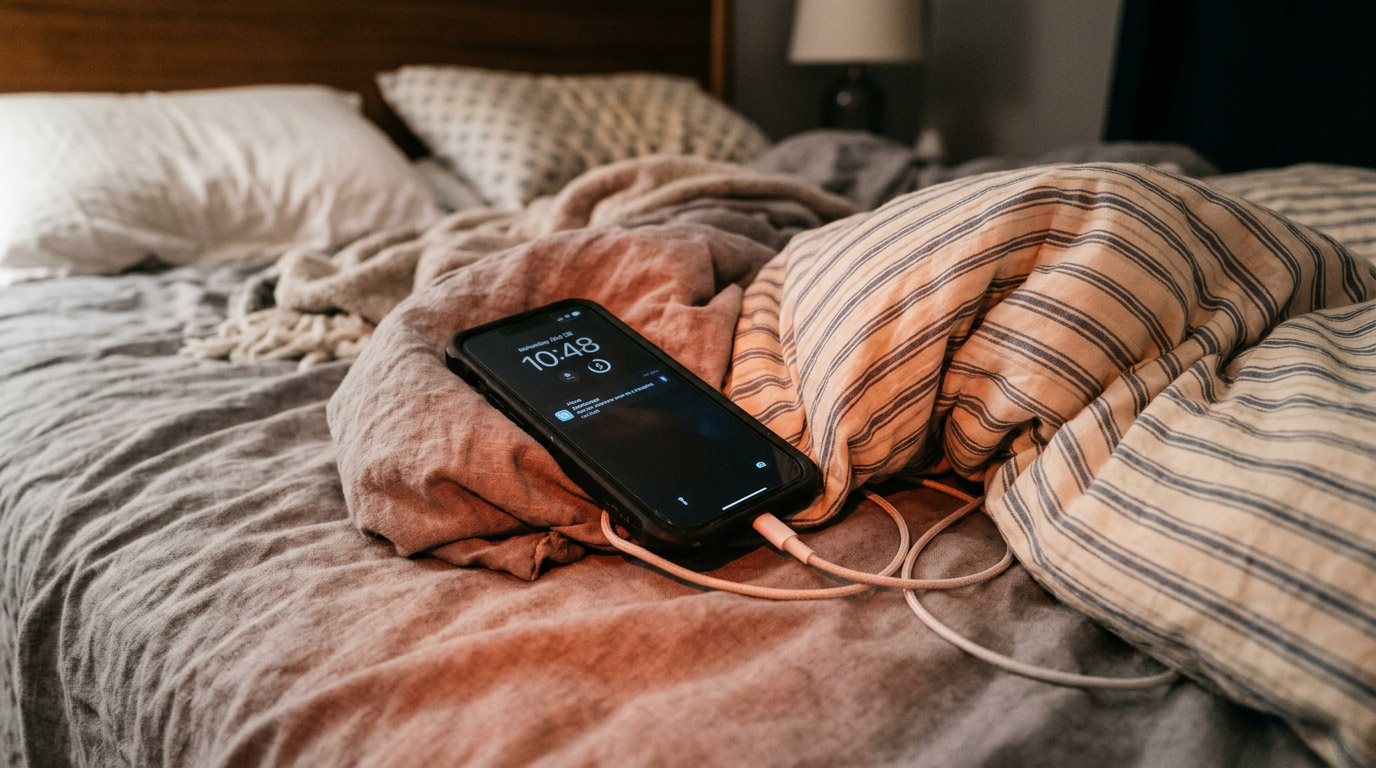
Most phones don’t die dramatically. They don’t fall into pools or get run over by cars. They decline gradually battery getting shorter, charging getting slower, performance getting sluggish through a thousand small habits that add up over time.
The good news: most of these habits are fixable once you know what they are. Here are ten of the most common ways people unintentionally shorten the life of their phones, and what to do instead.
1. Charging Overnight in a Case
It seems harmless. You plug in before bed, wake up to 100%, and start your day. But two things happen during overnight charging that accelerate battery aging.
First, the phone reaches 100% and stays there held at full charge for 6 to 8 hours while trickle-charging to maintain it. Lithium-ion batteries age fastest when held at full charge for extended periods.
Second, charging generates heat. A phone inside a case especially a thick silicone or rubber case — can’t dissipate that heat effectively. Heat during charging is the single biggest accelerator of battery degradation.
What to do instead: Enable Optimized Battery Charging on iPhone (Settings → Battery → Battery Health & Charging) or Battery Protection on Samsung (Settings → Battery → More Battery Settings). These features limit the charge to 80% overnight and only top up to 100% just before your typical wake time. Remove your case while charging when you can.
2. Ignoring a Small Screen Crack
A hairline crack across the corner of your screen feels manageable. The phone still works. You’ll deal with it later.
But cracks grow. Temperature changes, drops, and the flex of normal pocket-and-bag use cause fractures to spread across the display. A crack that touches the digitizer layer beneath the glass creates touch dead zones. A crack that reaches the OLED panel causes dark spots or display lines. And any crack breaks the water resistance seal of the device.
A $60 screen repair in week one becomes a $180 screen replacement by month three, and potentially data loss if moisture enters through the crack.
What to do instead: Get it fixed early. At Stop to Fix, a diagnostic is free and most repairs are same-day. Apply a tempered glass screen protector after every repair.
3. Using Cheap Third-Party Chargers
That $8 USB-C charger from a convenience store is not delivering clean, consistent power to your phone. Cheap chargers often lack proper voltage regulation — they can surge, spike, or deliver inconsistent wattage that stresses the charging circuit on the logic board over time.
The charging IC (integrated circuit) is a component on the phone’s main board that manages power delivery to the battery. Cheap chargers accelerate wear on this component. When it fails, you’re looking at a board-level repair that costs far more than a quality charger.
What to do instead: Use the charger that came with your phone, or an Apple-certified/Samsung-certified replacement. If you buy third-party, look for MFi certification (iPhone) or USB-IF certification. A $25 quality charger protects a $900 phone.
4. Leaving the Phone in a Hot Car
The interior of a parked car in San Antonio summer can reach 140°F (60°C) on a hot day. The recommended operating temperature for smartphones is typically 32°F to 95°F (0°C to 35°C). At 140°F, you’re nearly double that ceiling.
A single extreme heat exposure can permanently damage battery cells, degrade display adhesive, and in rare cases warp the logic board. Repeated exposure accumulates damage that shows up as premature battery failure and display issues.
What to do instead: Take your phone with you. If you can’t, put it in the glove box (slightly cooler than the cabin), out of direct sunlight, and try to park in shade. Never leave it on the dashboard in direct sun.
5. Never Restarting the Phone
Smartphones are computers, and like computers they benefit from periodic restarts. Running continuously for weeks or months without a restart allows memory leaks to accumulate apps that don’t fully release memory when closed, background processes that pile up, cached data that grows stale.
The symptoms: the phone gets progressively slower over days and weeks, then feels refreshed after a restart. Some users interpret this as the phone “aging” when it’s actually just software accumulation.
What to do instead: Restart your phone once or twice a week. It takes 60 seconds and meaningfully maintains performance without any technical knowledge required.
6. Keeping Storage Nearly Full
iOS and Android both need free storage space to operate efficiently. The operating system uses free storage for temporary files, app caches, system logs, and performance-related operations. When storage drops below 10 to 15% free space, phone performance degrades noticeably slower app launches, laggy animations, longer processing times.
This is often mistaken for a hardware problem or “the phone slowing down with age” when it’s a storage management issue that’s fully reversible.
What to do instead: Check your storage (Settings → General → iPhone Storage on iPhone; Settings → Device Care → Storage on Samsung). Offload unused apps, transfer old photos to cloud or computer, and clear app caches. Keep at least 10% of total storage free.
7. Skipping Software Updates
Software updates aren’t just new features they’re security patches, bug fixes, and performance optimizations. Skipping them leaves known vulnerabilities in your device and misses fixes for bugs that may be causing battery drain, performance issues, or app crashes.
A specific example: iOS 26’s post-launch updates included patches specifically addressing battery drain and touch screen responsiveness issues on iPhone 17 models. Users who didn’t update kept experiencing problems that had already been fixed.
What to do instead: Enable automatic updates (Settings → General → Software Update → Automatic Updates on iPhone). If automatic updates make you nervous, check manually once a week and install updates within a day or two of release.
8. Using Your Phone While Charging
Using a phone heavily during charging gaming, video streaming, GPS navigation generates heat from both the processor and the charging process simultaneously. The combined thermal load is significantly higher than either activity alone and causes measurable battery degradation over time.
What to do instead: If you need to use your phone while it’s plugged in, use it for light tasks messaging, browsing. For heavy tasks like gaming or navigation, charge the phone separately when possible and use it on battery for those sessions.
9. Ignoring Port Debris Until It’s a Problem
USB-C and Lightning ports accumulate lint, dust, and fabric fibers from pockets and bags often without any visible sign from the outside. Over time, this debris compacts into a dense plug that prevents the charging cable from fully seating.
The first symptom: charging becomes intermittent, or only works at certain angles. Users often assume the cable or port is damaged when the port simply needs cleaning.
Left unaddressed, the cable repeatedly stress-seated against debris can bend the pins inside the port turning a free cleaning into a $80 to $150 port replacement.
What to do instead: Every few months, inspect your charging port with a flashlight. If you see debris, use a dry wooden toothpick to gently clear it. Do this before charging becomes problematic, not after.
10. Skipping a Screen Protector After a Repair
After a screen replacement, people often skip re-applying a screen protector. The phone looks pristine. The new glass feels smooth. A protector seems unnecessary.
The new glass is just as vulnerable to scratching and cracking as the original often more so in the first few weeks before any minor hardening from daily use. A $15 to $20 tempered glass protector applied immediately after repair dramatically extends the life of the new screen.
What to do instead: Apply a screen protector the same day as any screen repair. At Stop to Fix, we carry tempered glass protectors for most devices and can apply them in-store with zero bubbles. It takes five minutes and extends the life of the repair significantly.
The Pattern Behind All of These
Look back at this list and a theme emerges: most phone damage is gradual and preventable. A single overnight charge in a case doesn’t kill a battery. A single hot car exposure doesn’t destroy a display. But these habits repeated over months and years compound into the premature failures that make phones feel disposable.
The phones aren’t disposable. The habits are changeable. And when something does go wrong, early repair almost always costs less than waiting.
Stop to Fix — When Prevention Wasn’t Enough
Battery replacement, screen repair, charging port cleaning, water damage assessment we handle everything that extends the life of your device. Free diagnostic on every visit.
📍 Bandera Road: 11851 Bandera Rd., Suite 104, San Antonio, TX 78023
📍 Pleasanton: 1320 W Oaklawn Suite D, Pleasanton, TX 78064
📞 Bandera: (210) 325-9913 | Pleasanton: (210) 371-8328
🌐 stoptofix.com/get-instant-estimate