



Blog
Phone Microphone Not Working

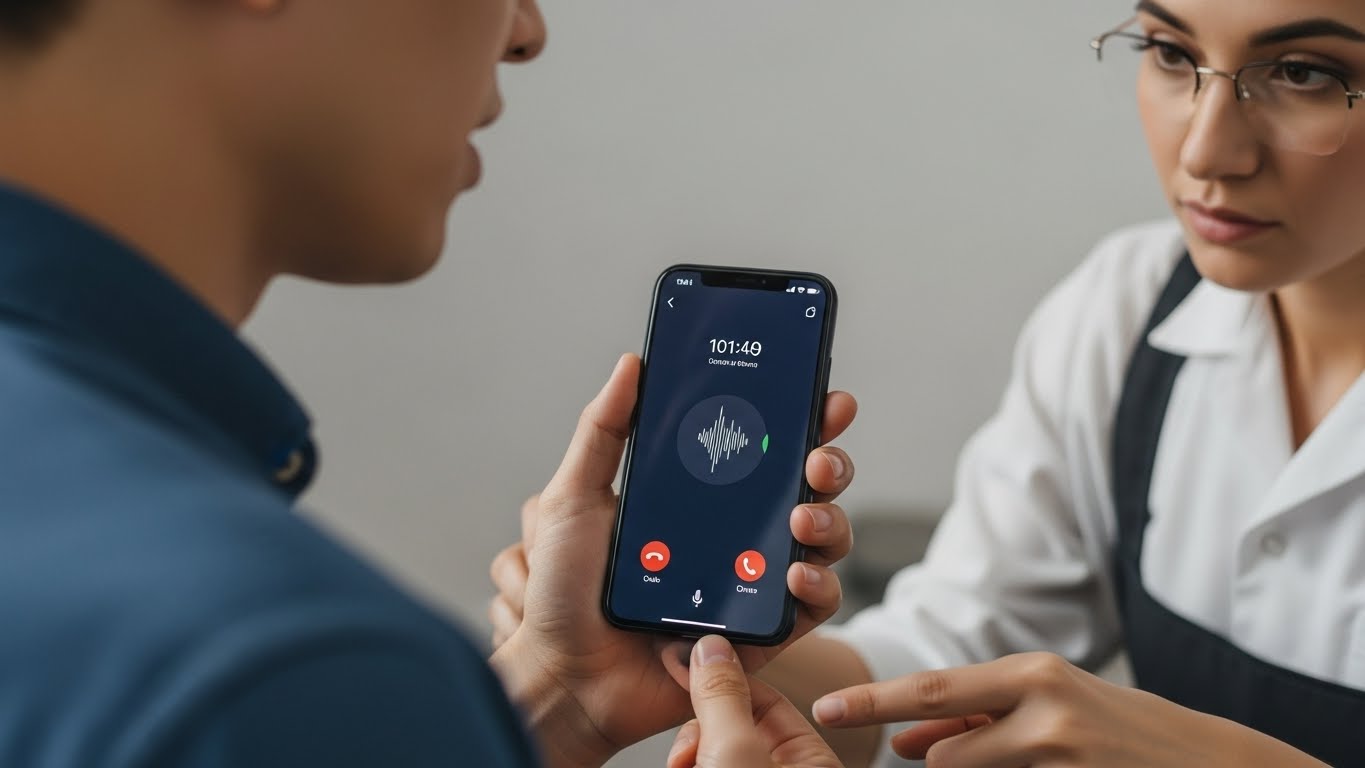
Phone Microphone Not Working, When your phone microphone stops working, communication breaks down instantly.
Calls become silent, voice messages fail to record, and video audio disappears. Whether people can’t hear you during calls or recordings sound muffled or distorted, microphone problems affect both personal and professional use. At Stop to Fix, we diagnose and repair microphone issues to restore clear, reliable audio.
Why Phone Microphones Stop Working
Microphone failure can occur suddenly or develop gradually. In most cases, the cause is a combination of environmental exposure and internal wear.
Dust and Debris Blockage
Microphone openings are extremely small and easily clogged by dust, pocket lint, or debris, preventing sound from reaching the sensor.
Liquid or Moisture Exposure
Even minor moisture from rain, sweat, or spills can damage microphone components or cause internal corrosion.
Physical Damage
Drops or impacts can loosen microphone connections or damage internal audio circuits.
Software or App Conflicts
System updates, corrupted files, or misconfigured permissions may block microphone access.
Faulty Audio IC or Flex Cable
The audio chip and microphone flex cable control sound input. When these components fail, the microphone may stop functioning entirely.
Case or Accessory Interference
Thick cases or improperly installed screen protectors can partially block microphone ports.
Common Signs of Microphone Failure
-
People can’t hear you during calls
-
Voice recordings are silent or distorted
-
Video recordings have no sound
-
Microphone works intermittently
-
Audio input only works on speaker mode
-
Voice assistants fail to respond
Ignoring these symptoms may lead to complete audio system failure.
How Stop to Fix Restores Microphone Function
At Stop to Fix, microphone issues are diagnosed through hands-on testing and precise repair methods.
1. Audio Input Testing
Technicians test all microphones used for calls, video, and noise cancellation.
2. Microphone Port Cleaning
Blocked ports are carefully cleaned without damaging internal components.
3. Internal Inspection
Flex cables, connectors, and audio circuits are inspected under magnification.
4. Component Repair or Replacement
Damaged microphones or audio ICs are repaired or replaced with high-quality parts.
5. Software and Permission Checks
System settings and app permissions are verified to ensure microphone access.
6. Real-World Audio Testing
Before return, calls, voice recordings, and video audio are tested for clarity and stability.
Devices Commonly Affected
-
iPhone microphone not working
-
Samsung Galaxy microphone issues
-
Android phone audio input problems
-
Phones with water-damaged microphones
Stop to Fix services a wide range of phone models with consistent results.
Why Choose Stop to Fix
-
Experienced technicians with audio repair expertise
-
High-quality replacement components
-
Transparent diagnostics and pricing
-
Warranty-backed repairs
-
Careful handling of every device
Your phone is repaired with precision and attention to detail.
Restore Clear Communication
A phone with a broken microphone doesn’t have to be replaced. With professional repair, your device can capture and transmit sound clearly again.
Visit Stop to Fix today and restore your phone’s microphone performance.