



Blog
Lenovo Laptop Battery Not Charging

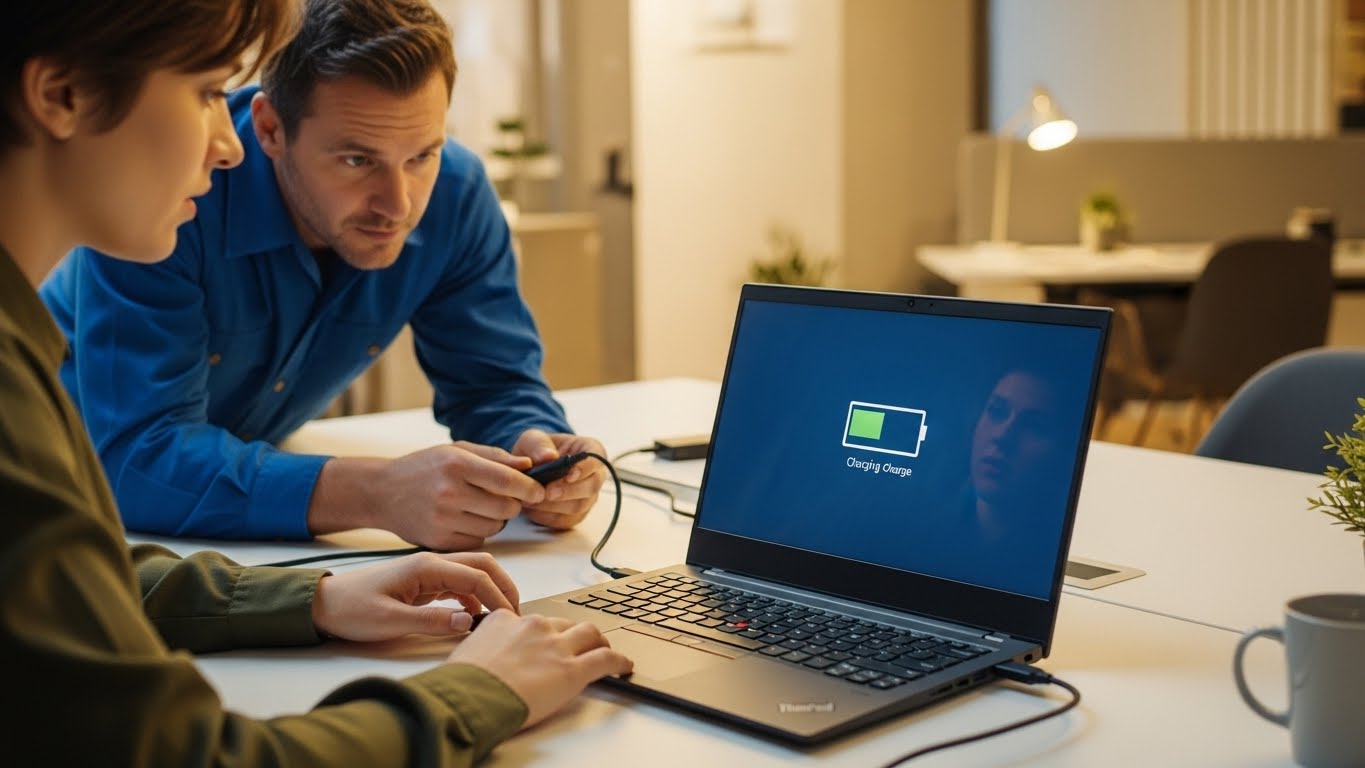
Lenovo a laptop that won’t charge properly can bring work, school, and daily tasks to a complete stop.
Lenovo laptop users often experience battery issues that appear suddenly or worsen over time. When your Lenovo laptop stays at the same percentage, charges extremely slowly, or only works when plugged in, the problem usually goes beyond simple settings. This is where professional diagnostics and repair become essential, and Stop to Fix provides dependable solutions.
Why Lenovo Laptop Batteries Stop Charging
Battery charging problems rarely happen without warning. In most cases, they develop gradually due to internal wear or electrical issues.
Battery Cell Degradation
Laptop batteries lose efficiency after repeated charge cycles. As the cells age, they struggle to accept and store power correctly.
Faulty Charging Port or Power Jack
Loose or damaged charging ports prevent stable power delivery. Even slight movement of the cable can interrupt charging.
Power Adapter Issues
Using non-original or worn adapters may supply unstable voltage, damaging internal charging components.
Power Management Circuit Failure
The charging controller on the motherboard regulates how power flows to the battery. When it weakens, charging becomes unreliable.
Software and Firmware Conflicts
BIOS errors, outdated firmware, or operating system conflicts can interfere with battery communication.
Overheating
Excess heat triggers safety limits that slow or stop charging to protect internal components.
Common Signs of Charging Failure
-
Battery percentage does not increase
-
Laptop only works when plugged in
-
Charging stops randomly
-
Battery drains unusually fast
-
Charging indicator blinks or disappears
-
Laptop overheats while charging
Ignoring these signs can lead to permanent battery or motherboard damage.
How Stop to Fix Repairs Lenovo Charging Issues
At Stop to Fix, Lenovo laptop repairs are performed through careful inspection and hands-on testing.
1. Battery Health Diagnostics
Technicians test battery capacity, voltage stability, and cycle count.
2. Charging Port Inspection
The power jack is checked for looseness, damage, or internal breaks.
3. Adapter and Power Flow Testing
Voltage and current flow are measured to ensure safe charging.
4. Motherboard-Level Repair
If needed, charging ICs and power circuits are repaired using precision tools.
5. Battery Replacement
When cells are worn, a high-quality replacement battery is installed.
6. Real-Use Charging Test
The laptop is charged under normal working conditions to confirm stability.
Lenovo Models Commonly Serviced
-
Lenovo ThinkPad series
-
Lenovo IdeaPad laptops
-
Lenovo Legion gaming laptops
-
Lenovo Yoga convertible models
Stop to Fix handles both business and personal Lenovo devices with the same attention to detail.
Why Choose Stop to Fix
-
Experienced laptop repair technicians
-
High-quality replacement batteries and parts
-
Clear diagnostics and transparent pricing
-
Warranty-backed repairs
-
Careful handling of every device
Your laptop is treated as a critical work tool, not just a device.
Restore Reliable Charging
A Lenovo laptop that won’t charge doesn’t mean it’s time for replacement. With professional repair, your device can regain stable power and long-term reliability.
Visit Stop to Fix today and restore your Lenovo laptop’s charging performance.