



Blog
Samsung Galaxy S26 Ultra Camera Tips

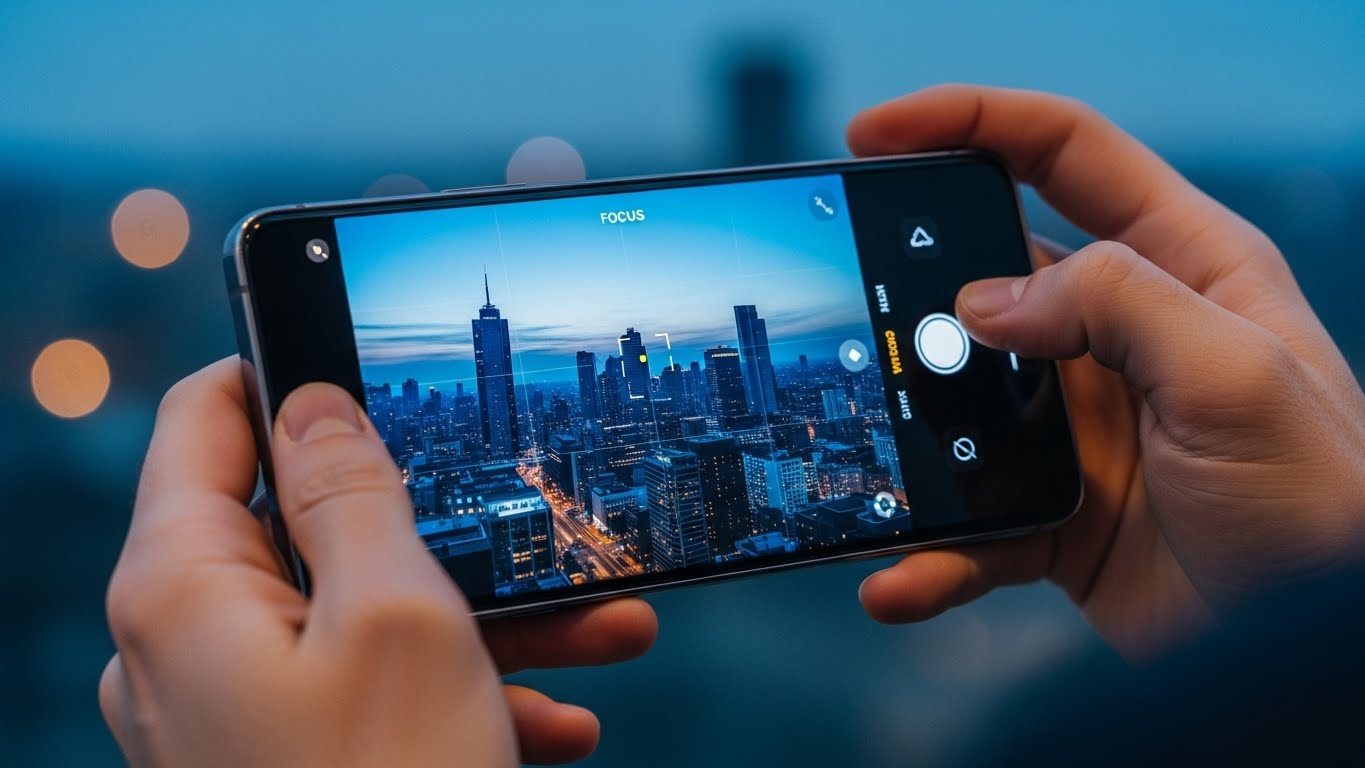
The Samsung Galaxy S26 Ultra pushes mobile photography to a new level with advanced sensors, AI-assisted processing, and powerful zoom capabilities.
However, even the most advanced camera system requires correct usage and maintenance to perform at its best. Whether photos look blurry, focus feels slow, or image quality doesn’t meet expectations, small adjustments and professional support can make a major difference.
Understanding the Galaxy S26 Ultra Camera System
The Galaxy S26 Ultra camera is designed to adapt to different lighting conditions, subjects, and shooting modes automatically. It relies on a combination of hardware precision and software optimization. When either side is affected, image quality can suffer.
Common camera-related complaints include:
-
Images not focusing properly
-
Over-processed photos
-
Inconsistent night shots
-
Zoom losing sharpness
-
Camera shaking during video
-
App lag when opening the camera
These issues are not always hardware failures and can often be improved with the right approach.
Practical Camera Tips for Better Results
Keep the Camera Lens Clean
A small fingerprint or dust particle can drastically reduce clarity. Always clean the lens gently with a microfiber cloth before shooting.
Use the Right Shooting Mode
The S26 Ultra offers multiple camera modes. Portrait, Night, Pro, and Auto each serve different purposes. Using the wrong mode may cause poor results even in good lighting.
Stabilize the Device
Despite built-in stabilization, holding the phone steady improves sharpness, especially when using zoom or shooting in low light.
Avoid Overusing Digital Zoom
High zoom levels magnify even slight movement. For best results, use optical zoom ranges whenever possible.
Update the Camera Software
Camera performance is closely tied to firmware optimization. Keeping the system updated ensures better focus accuracy and processing.
When Camera Problems Go Beyond Settings
If camera issues persist despite correct usage, the problem may be internal. Physical impact, moisture exposure, or internal wear can affect the camera module.
Signs that professional service may be required:
-
Camera fails to focus at any distance
-
Loud clicking or buzzing when opening the camera
-
Black screen or app crashes
-
Persistent blur even in bright light
-
Optical image stabilization not working
Ignoring these symptoms can lead to permanent camera damage.
How Stop to Fix Helps Galaxy S26 Ultra Users
At Stop to Fix, camera issues are handled through careful, hands-on diagnostics. The goal is not just to restore function, but to restore image quality.
Our process includes:
-
Manual camera and focus testing
-
Internal cleaning of lens and sensor area
-
Camera module calibration
-
Replacement of damaged camera components when necessary
-
Software-level camera optimization
-
Real-world photo and video testing before return
Each device is tested by a technician to ensure sharp focus, stable video, and consistent image quality.
Why Professional Camera Service Matters
The Galaxy S26 Ultra camera system is complex. Improper repairs or low-quality parts can permanently affect image performance. Professional service ensures:
-
Original-quality camera components
-
Correct calibration and alignment
-
No damage to surrounding sensors
-
Reliable long-term results
Stop to Fix approaches every camera repair with precision and responsibility.
Get the Best from Your Galaxy Camera
The Samsung Galaxy S26 Ultra is capable of exceptional photography. With proper care and professional support when needed, its camera can continue delivering outstanding results.
Visit Stop to Fix today and restore your Galaxy S26 Ultra camera performance.