



Blog
iPhone Virus Problem

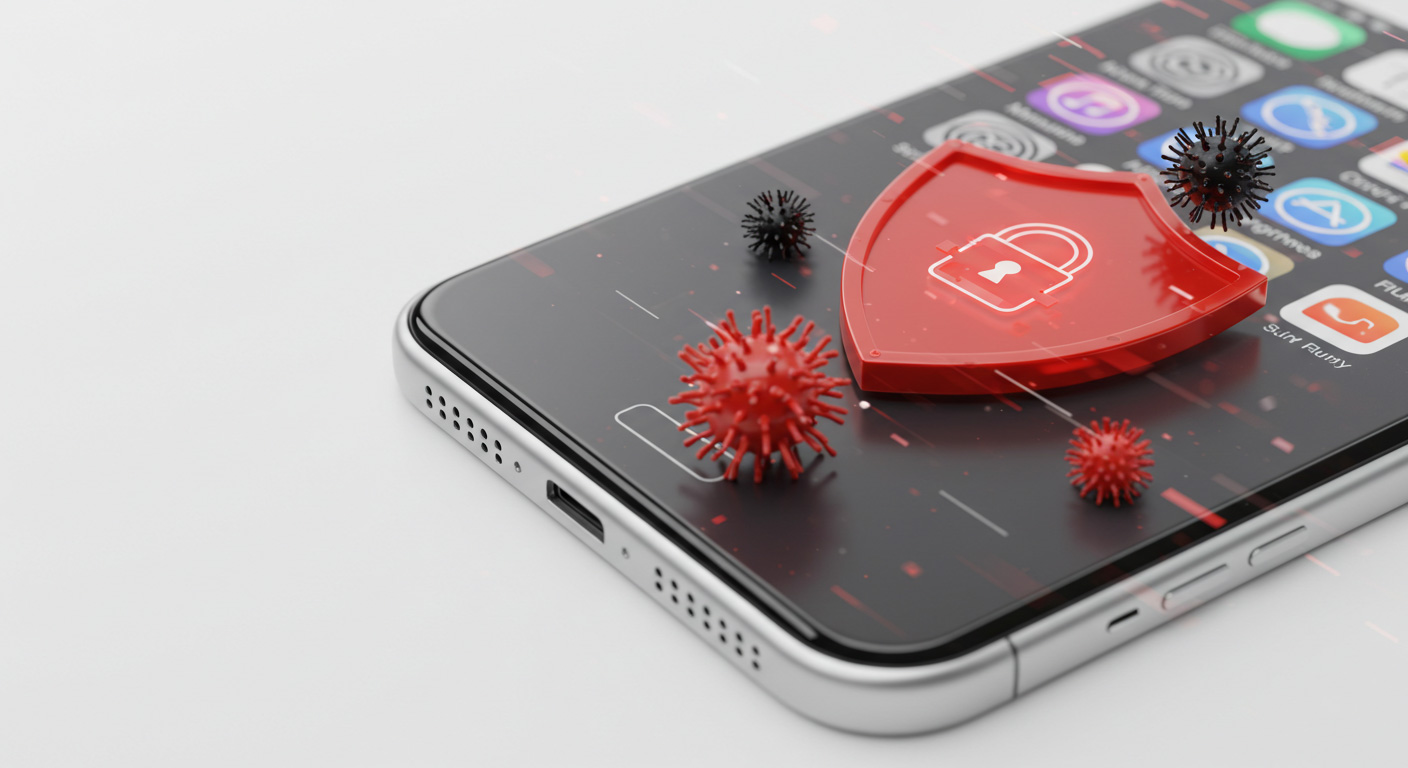
iPhones are known for strong security, but that doesn’t make them immune to malware, phishing, or exploit-based attacks. Knowing the risks, signs, and protections is key. Here’s what to watch for and how to act.
Can iPhones Get Viruses?
While traditional self-replicating viruses are rare on iOS, malware and phishing threats do exist. iOS apps run in sandboxed environments, limiting cross-app spread.
More risk arises if:
-
The device is jailbroken
-
You install unverified profiles or configuration files
-
You click phishing links or deceptive prompts
-
You use outdated iOS versions
Warning Signs
Look out for:
-
Unexplained battery drain
-
Device overheating for no reason
-
Strange apps you didn’t install
-
Pop-ups asking for credentials
-
Unusual data usage spikes
-
Security alerts from antivirus apps
How to Clean Up & Recover
-
Update iOS to the latest version
-
Restart the iPhone to kill hidden processes
-
Remove any suspicious apps or profiles
-
Clear browser history and website data
-
Restore from a clean backup or perform a factory reset
-
Optionally run a trusted security scan or app
How Stop to Fix Can Help
When the infection is tricky:
-
We perform deep cleanup and diagnostics
-
We help restore iOS and ensure proper system integrity
-
We recover your data and settings
-
We guide you to harden your iPhone’s security
Stay Secure, Stay Confident
iPhone malware risk is low, but vigilance matters. When something’s off, don’t wait.
Contact Stop to Fix to inspect and secure your iPhone today.