



Blog
Phone Not Detecting SIM Card

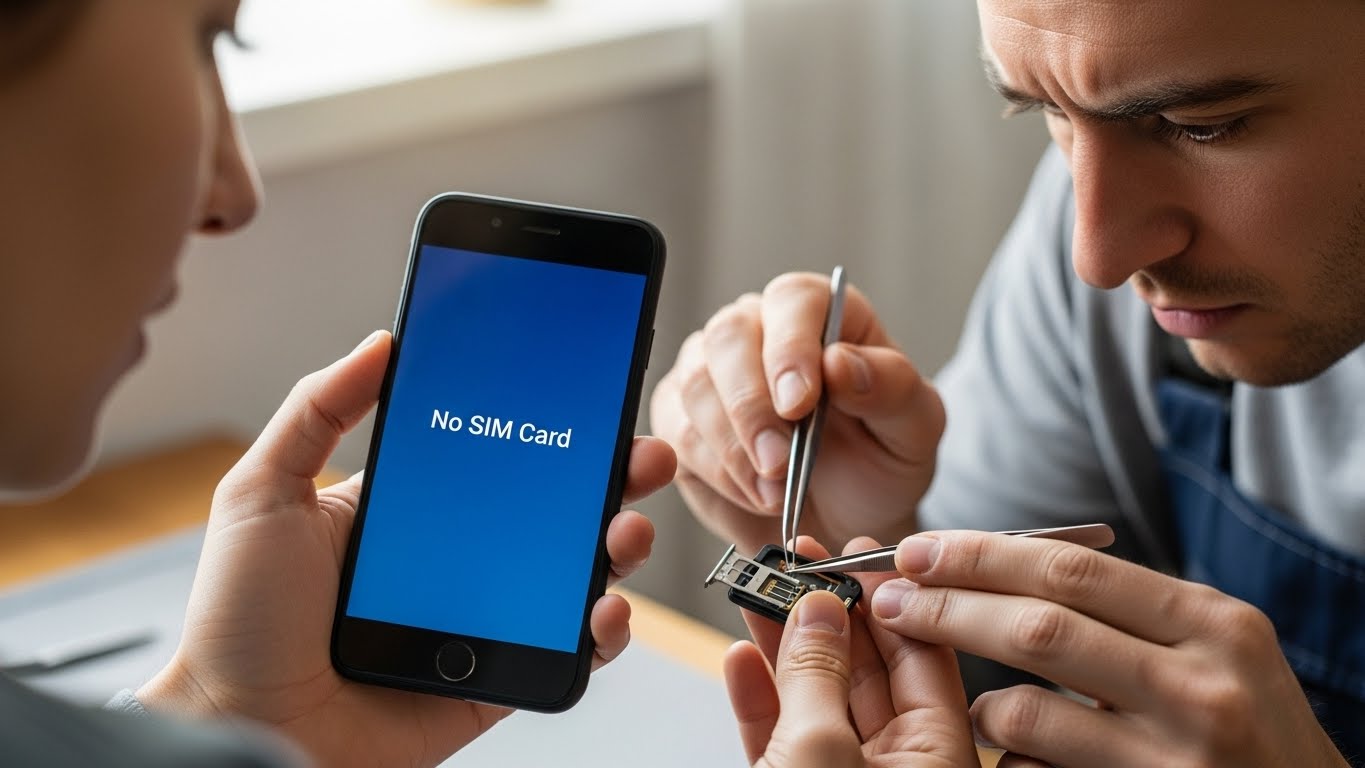
When your phone suddenly shows “No SIM“, “SIM Not Detected” or loses signal completely, communication stops instantly.
Calls fail, mobile data disappears, and basic phone functions become unusable. Whether the issue appears after a drop, software update, or without warning, SIM detection problems usually point to hardware or internal connection issues. At Stop to Fix, we diagnose and repair SIM-related problems to restore full network connectivity.
Why Phones Stop Detecting SIM Cards
SIM card detection relies on precise internal connections. Even minor disruptions can prevent the phone from recognizing the card.
SIM Tray or Card Damage
Bent SIM cards, cracked trays, or improper insertion can prevent correct contact with the SIM reader.
Dust or Debris in SIM Slot
Small particles inside the SIM slot block contact points and interrupt signal detection.
SIM Reader Contact Failure
The SIM reader contains delicate pins that can bend or break over time, especially after drops.
Software or Firmware Errors
System updates or corrupted network settings can interfere with SIM recognition.
Water or Moisture Exposure
Moisture can corrode SIM contacts and internal signal pathways.
Motherboard or Baseband Issues
In advanced cases, damage to the baseband circuit prevents network communication entirely.
Common Signs of SIM Detection Problems
-
“No SIM Card Installed” message
-
Network signal disappears suddenly
-
SIM works in another phone but not yours
-
Phone asks for SIM repeatedly
-
Mobile data and calls stop intermittently
-
SIM is detected only in certain positions
Ignoring these symptoms may lead to permanent connectivity loss.
How Stop to Fix Restores SIM Detection
At Stop to Fix, SIM-related issues are handled through careful inspection and precise repair.
1. SIM Card and Tray Testing
Technicians test multiple SIM cards and trays to rule out card-level issues.
2. SIM Slot Cleaning
Dust and debris are removed safely using micro-tools.
3. SIM Reader Inspection
Reader pins and connectors are examined under magnification for damage.
4. Micro-Soldering Repair
Damaged SIM reader contacts or signal lines are repaired at the motherboard level.
5. Software and Network Reset
Network settings and firmware are checked to ensure proper communication.
6. Real-World Network Testing
The device is tested with live network connectivity before return.
Devices Commonly Affected
-
iPhone not detecting SIM card
-
Samsung Galaxy SIM not recognized
-
Android phones showing “No Service”
-
Phones with water-damaged SIM slots
Stop to Fix services a wide range of phone models with consistent results.
Why Choose Stop to Fix
-
Skilled technicians experienced in SIM and signal repair
-
Advanced micro-soldering capabilities
-
High-quality replacement components
-
Transparent diagnostics and pricing
-
Warranty-backed repairs
Your phone’s connectivity is treated as a priority, not a secondary feature.
Restore Your Signal and Connectivity
A phone that doesn’t detect a SIM card doesn’t have to be replaced. With professional repair, your device can reconnect to the network reliably.
Visit Stop to Fix today and restore your phone’s SIM functionality.