



Blog
NVIDIA GPU Overheating Issues

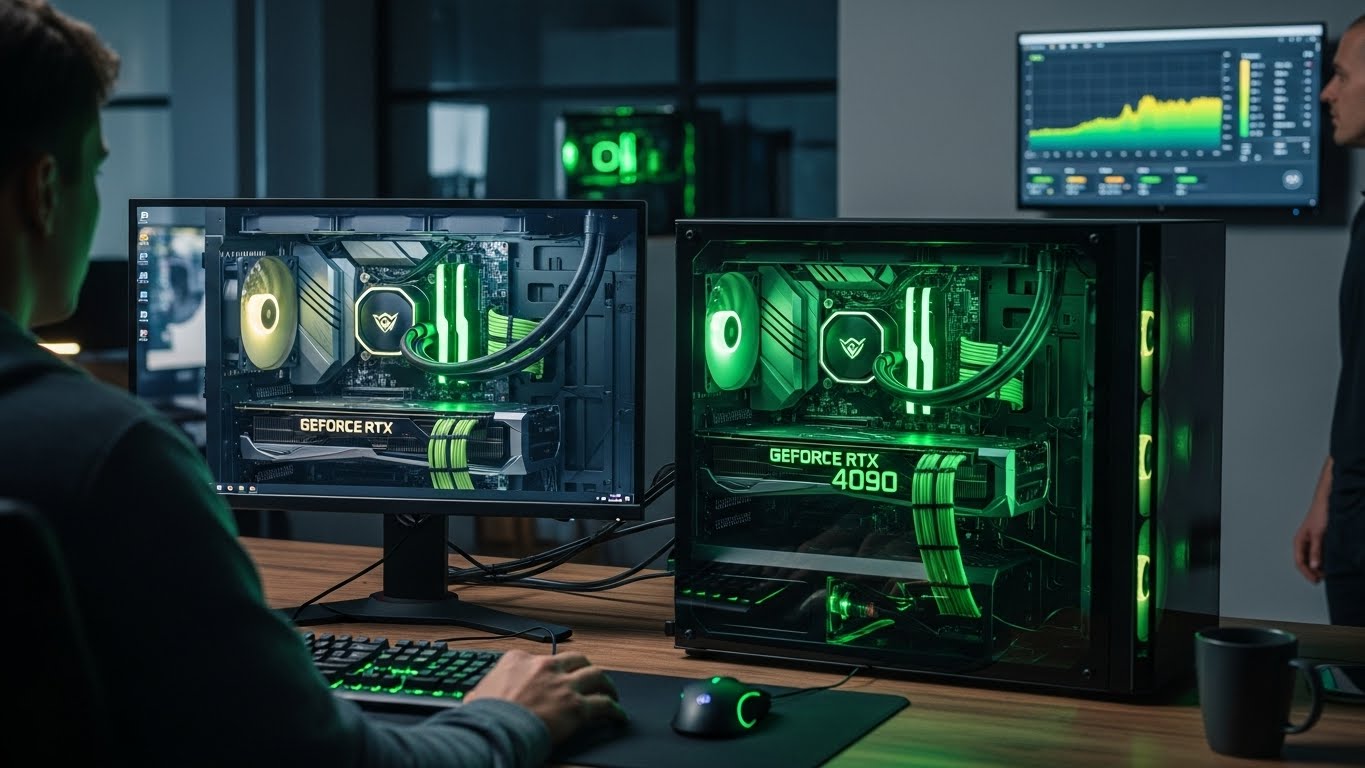
An NVIDIA graphics card is the heart of any gaming PC, workstation, or creative setup.
When it starts overheating, performance drops, fans get louder, and unexpected shutdowns can occur. Whether you’re gaming, editing videos, or running intensive applications, GPU overheating can severely limit your system’s reliability. At Stop to Fix, we diagnose and resolve NVIDIA GPU overheating problems with precision and professional care.
Why NVIDIA GPUs Overheat
Overheating is rarely caused by a single factor. In most cases, multiple issues combine over time.
Dust and Airflow Blockage
Dust buildup inside the system restricts airflow, preventing heat from escaping properly. This is especially common in gaming PCs and laptops used for long sessions.
Dried or Degraded Thermal Paste
Thermal paste transfers heat from the GPU chip to the cooling system. Over time, it dries out and loses efficiency, causing temperatures to rise.
Fan Failure or Imbalance
Worn or damaged GPU fans reduce cooling capacity and create uneven airflow across the heatsink.
High Workload Stress
Modern NVIDIA GPUs operate under heavy loads during gaming, rendering, and AI tasks. Without proper cooling, sustained workloads lead to thermal throttling.
Poor Case Ventilation
Limited airflow inside the PC case traps hot air around the GPU, increasing overall system temperature.
Driver or Power Configuration Issues
Incorrect power settings or unstable drivers may cause the GPU to run at higher voltages than necessary.
Warning Signs of GPU Overheating
-
Sudden frame drops during games
-
Loud or constantly spinning fans
-
System crashes or restarts under load
-
Visual artifacts or screen flickering
-
Performance throttling after a few minutes of use
-
Hot air blowing excessively from the case
Ignoring these signs can result in permanent GPU damage.
How Stop to Fix Resolves NVIDIA Overheating Problems
At Stop to Fix, GPU repairs are handled by experienced technicians using hands-on diagnostics and precise repair techniques.
1. Temperature and Load Analysis
We monitor GPU temperatures under idle and full load to identify overheating patterns.
2. Internal Cleaning
Dust is carefully removed from the GPU, heatsink, fans, and surrounding components.
3. Thermal Paste Replacement
High-quality thermal compound is applied to restore proper heat transfer.
4. Fan and Cooling System Repair
Faulty fans or cooling components are repaired or replaced as needed.
5. Power and Driver Optimization
We adjust power settings and ensure stable driver configuration for balanced performance.
6. Stress Testing
The GPU is tested under sustained load to confirm stable temperatures and performance.
NVIDIA GPUs We Service
-
NVIDIA GeForce RTX series
-
NVIDIA GeForce GTX series
-
Laptop GPUs with NVIDIA graphics
-
Workstation and creative GPUs
Stop to Fix works with both desktop and laptop systems, ensuring safe and effective cooling solutions.
Why Choose Stop to Fix
-
Skilled technicians with GPU repair experience
-
Professional thermal management solutions
-
High-quality materials and components
-
Transparent diagnostics and pricing
-
Warranty-backed services
Your GPU is treated as a high-value performance component, not a disposable part.
Keep Your GPU Cool and Powerful
Overheating doesn’t mean your NVIDIA GPU is failing permanently. With professional cooling repair and optimization, your system can regain stable performance and long-term reliability.
Visit Stop to Fix today and protect your NVIDIA GPU from heat damage.