



Blog
Nintendo Switch 2 Joy-Con 2 Drift

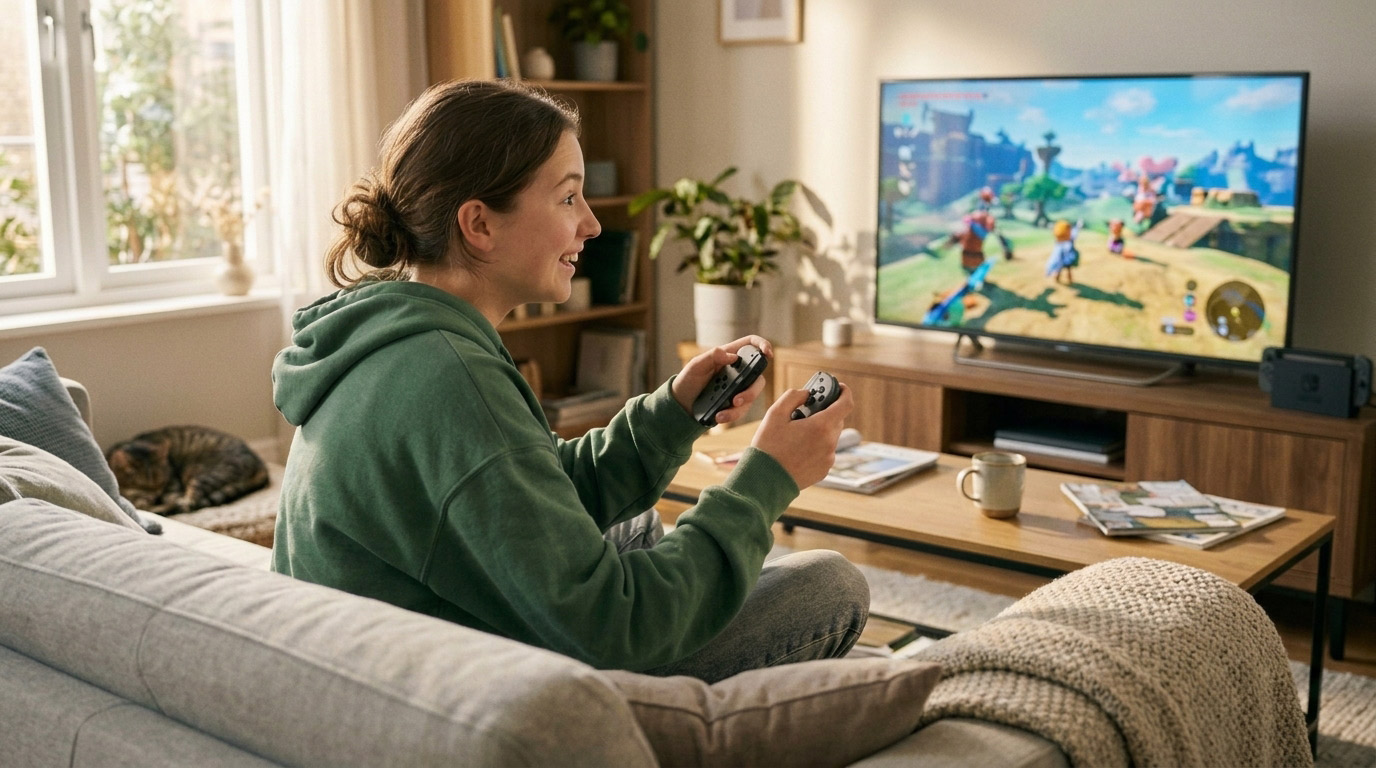
The original Nintendo Switch became infamous for Joy-Con drift a defect so widespread that Nintendo’s president publicly apologized, class-action lawsuits were filed across multiple countries, and Nintendo launched a free repair program. One survey found that 40% of Switch owners had experienced drift problems with their Joy-Cons.
When Nintendo revealed the Switch 2 in early 2025, the question on every gamer’s mind was simple: did they fix it?
The honest answer, based on iFixit’s July 2026 teardown and real-world reports from Switch 2 owners, is: somewhat, but not completely.
What Is Joy-Con Drift and Why Does It Happen?
Drift occurs when your controller’s analog stick registers movement without you touching it. Your character walks. The camera pans. The cursor drifts. You’re not touching the joystick, but the game thinks you are.
The root cause in the original Joy-Con and in virtually all modern controllers — is the joystick mechanism’s design. Standard joysticks use a potentiometer: a small sensor with carbon contact points that measure the stick’s position by detecting electrical resistance. As these carbon contacts wear down from friction over thousands of hours of use, the sensor starts misreading the stick’s position even when it’s centered. That misread is drift.
The fix the gaming community wanted was Hall effect sensors magnetic-based sensors with no physical contact points that wear down. Hall effect joysticks don’t drift through mechanical wear. Several third-party controller manufacturers have adopted this technology, and many players specifically buy them for their Switch.
What Nintendo Changed and Didn’t Change in Joy-Con 2
Nintendo made genuine improvements to the Joy-Con 2. They are larger and more physically substantial than the original Joy-Cons. The sticks themselves have been described as having “larger and more durable” analog sticks with “smoother movement.” The magnetic attachment mechanism replaced the fragile rail system that also caused issues on the original Switch.
What Nintendo did not change: the joystick sensor technology.
Nintendo confirmed they would not be using Hall effect sensors in Joy-Con 2. The reason given was interference the new magnetic attachment mechanism uses magnets that would interfere with Hall effect sensor magnets. Nintendo’s engineering team suggested this as the limiting factor.
iFixit’s teardown of the Switch 2, published in July 2026, confirmed the joystick modules use potentiometer-based sensors the same fundamental technology as the original Joy-Cons. Their assessment: “From what we can tell, the redesign didn’t address the root cause of drift.“
This doesn’t mean Switch 2 Joy-Con 2s will drift as quickly or as broadly as the originals. Improved materials, better manufacturing tolerances, and larger stick housings may extend the usable lifespan before drift appears. But the underlying mechanism that caused widespread drift in the original Switch is still present.
Early Reports From Switch 2 Owners
The Switch 2 launched in 2025, so some early adopters have been gaming on their units for over a year. Reports from gaming forums and Reddit as of mid-2026 are mixed:
Many users report no issues after extended use. The improved design appears to have reduced early-onset drift compared to the original Joy-Cons, where some users reported drift within months of purchase.
However, a subset of users particularly those who game intensively on portable mode are beginning to report drift symptoms. The pattern looks similar to the original: the left stick (used for movement in most games) shows drift before the right stick.
Nintendo has not launched a widespread free repair program for Joy-Con 2, but their support site does offer service requests for Joy-Con 2 drift. Whether this mirrors the original Switch’s repair trajectory remains to be seen as more units age.
How to Tell If Your Joy-Con 2 Is Drifting
Before assuming drift, confirm it’s actually happening:
Test in-game: Play a game with no input and observe whether your character or camera moves without you touching the sticks. Try multiple games some games are more sensitive to small inputs than others.
Check the dead zone settings: Some games allow you to increase the analog stick dead zone the range of movement the game ignores. Increasing this can mask minor drift temporarily but is not a fix.
Use Nintendo’s controller test: From the Switch 2 home screen, go to System Settings → Controllers and Sensors → Test Input Devices → Controllers → Test Analog Sticks. The on-screen display shows raw stick input if the indicator moves without you touching the stick, drift is confirmed.
Check for debris: Dust and debris under the stick cap can cause stick offset. Try removing the cap and blowing compressed air around the base of the joystick. This resolves the issue in some cases.
Your Repair Options
Option 1: Nintendo’s Warranty and Service Program
Joy-Con 2 controllers come with Nintendo‘s standard one-year limited warranty. If your Joy-Con 2 is showing drift within the warranty period and hasn’t been physically damaged, Nintendo’s service is the first call to make.
Nintendo’s support site allows you to set up a Joy-Con 2 service request. Mail-in repair typically takes one to two weeks. For drift issues specifically, Nintendo has historically been willing to repair Joy-Cons under warranty in large part because of the legal and reputational history of the original Joy-Con drift problem.
Bottom line: If you’re within the warranty window, contact Nintendo first. It may be free.
Option 2: Independent Repair Shop — Same-Day Fix
For Joy-Con 2s out of warranty or if you need your controller back without a multi-week mail-in wait an independent repair shop is the practical option.
The repair involves replacing the joystick module inside the Joy-Con 2. An experienced technician opens the controller, removes the worn potentiometer-based stick, and installs a replacement. For Switch 2 Joy-Con 2s, the repair is somewhat more complex than original Joy-Con repair due to the magnetic attachment mechanism design but it’s a well-understood repair for shops experienced with Nintendo hardware.
Cost for Joy-Con 2 stick replacement at an independent shop: typically $45 to $75 per controller, depending on whether one or both sticks need replacing.
At Stop to Fix, Joy-Con and Joy-Con 2 repairs are same-day. We test both stick axes, the L/R buttons, the ZL/ZR triggers, and the SL/SR buttons before returning the controller.
Bottom line: Best option if you’re out of warranty or need it back quickly. Far cheaper than a replacement Joy-Con 2 set ($79.99 new).
Option 3: Upgrade to Hall Effect — Third-Party Controllers
If you want to eliminate drift as a future possibility, the solution is a Hall effect-equipped controller. Third-party manufacturers including Nyxi, GuliKit, and others produce Switch 2-compatible controllers with magnetic sensor joysticks that are physically incapable of potentiometer drift.
These controllers cost $40 to $100 depending on brand and features. They work wirelessly with the Switch 2 in TV mode but may not attach magnetically to the console for portable play an important consideration if handheld gaming is your primary mode.
Bottom line: If drift-free long-term ownership matters more than official Joy-Con features (like the new mouse-click functionality in certain games), a Hall effect third-party controller is worth considering.
The Bigger Picture: Why Drift Keeps Happening
Joystick drift is an industry-wide problem not a Nintendo-exclusive one. All three major console manufacturers use potentiometer-based joysticks in their primary controllers. PS5 DualSense drift brought similar legal attention to Sony. Xbox controllers face the same mechanism.
The path forward is Hall effect and Tunneling Magnetoresistance (TMR) sensors technologies that are already in high-end third-party controllers and increasingly in premium gaming mice and PC controllers. The manufacturing cost difference has dropped to the point where the price argument for continuing to use potentiometers is weaker every year.
Until major manufacturers adopt non-contact sensor technology in their first-party controllers, drift will remain a repair shop staple — and repairing a drifting controller rather than discarding it remains both the economical and environmental right choice.
Stop to Fix — Game Controller Repair in San Antonio
We repair Joy-Con, Joy-Con 2, DualSense, Xbox, and other game controllers at both our San Antonio locations. Same-day service, quality parts, full function test before return.
📍 Bandera Road: 11851 Bandera Rd., Suite 104, San Antonio, TX 78023
📍 Pleasanton: 1320 W Oaklawn Suite D, Pleasanton, TX 78064
📞 Bandera: (210) 325-9913 | Pleasanton: (210) 371-8328
🌐 stoptofix.com/get-instant-estimate