



Blog
Laptop Running Slow

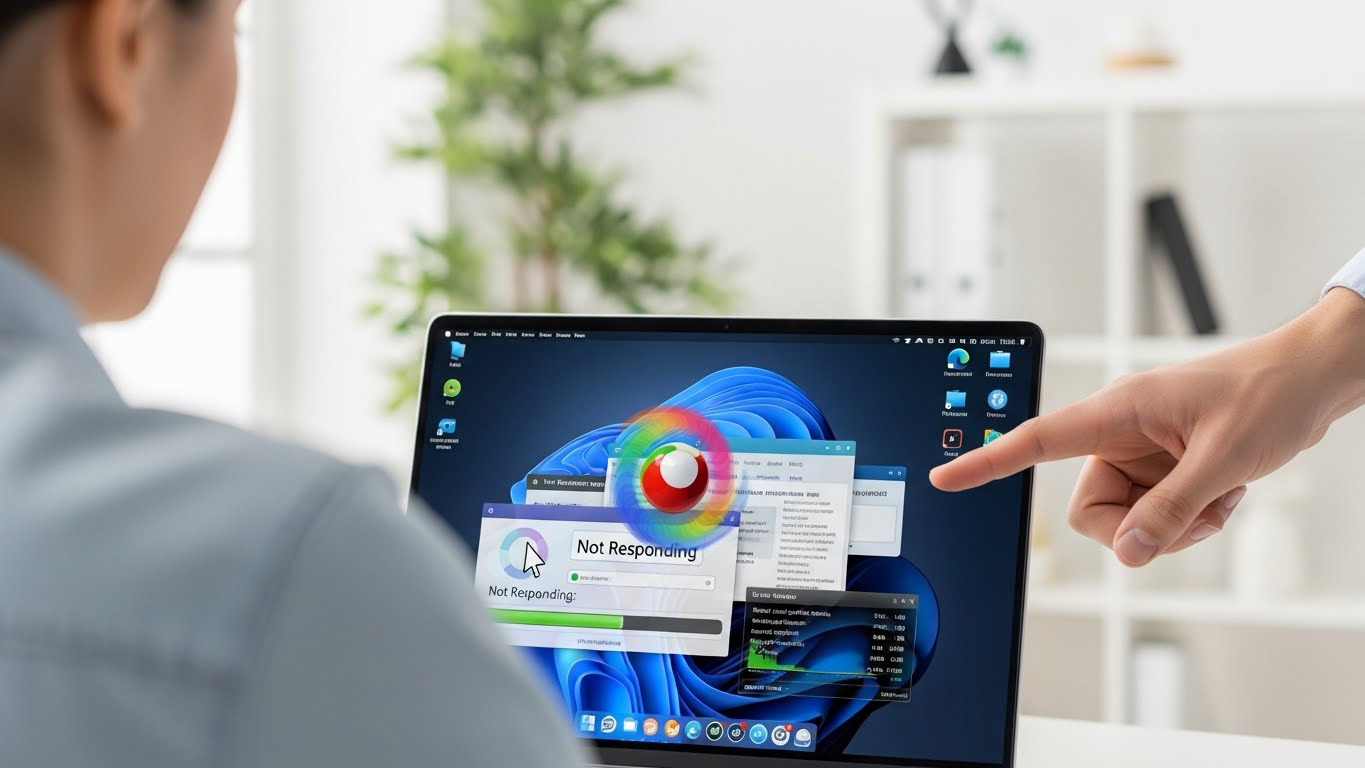
A slow laptop is one of the most common tech frustrations in the U.S. Searches like “why is my laptop so slow”, “laptop lag fix”, and “Windows/Mac running slow” are trending nationwide. At Stop to Fix, we diagnose and restore laptop performance with a combination of technical expertise and hands-on precision.
Why Laptops Become Slow
1. Background Apps Consuming Memory
Browsers, auto-start apps, and cloud sync tools overload RAM.
2. Failing Hard Drive or SSD
Aging storage slows down boot times, app loading, and file access.
3. Thermal Throttling
Dust buildup, dried thermal paste, or fan issues cause heat-related slowdown.
4. Malware or Suspicious Programs
Unwanted software consumes CPU and causes severe lag.
5. OS Corruption or Update Failure
Windows or macOS errors can freeze or slow the system.
How Stop to Fix Brings Your Laptop Back to Life
• Deep System Cleaning
We remove bloatware, malware, and background processes.
• SSD Upgrade
We replace slow HDDs with fast SSDs for instant performance boosts.
• Thermal Optimization
Technicians clean fans, replace thermal paste, and restore airflow.
• RAM Upgrade & Diagnostics
We test memory modules and upgrade if necessary.
• Human Experience Test
Every device is tested by a technician running real tasks — streaming, browsing, multitasking — to confirm smooth performance.
Stop to Fix Works With All Brands
-
- MacBook Air / Pro
- Windows laptops (HP, Dell, Lenovo, Asus)
- Gaming laptops (MSI, Alienware, ROG)
Bring your laptop back to full speed.
Book your laptop performance repair with Stop to Fix.