



Blog
iPhone Bluetooth Not Working

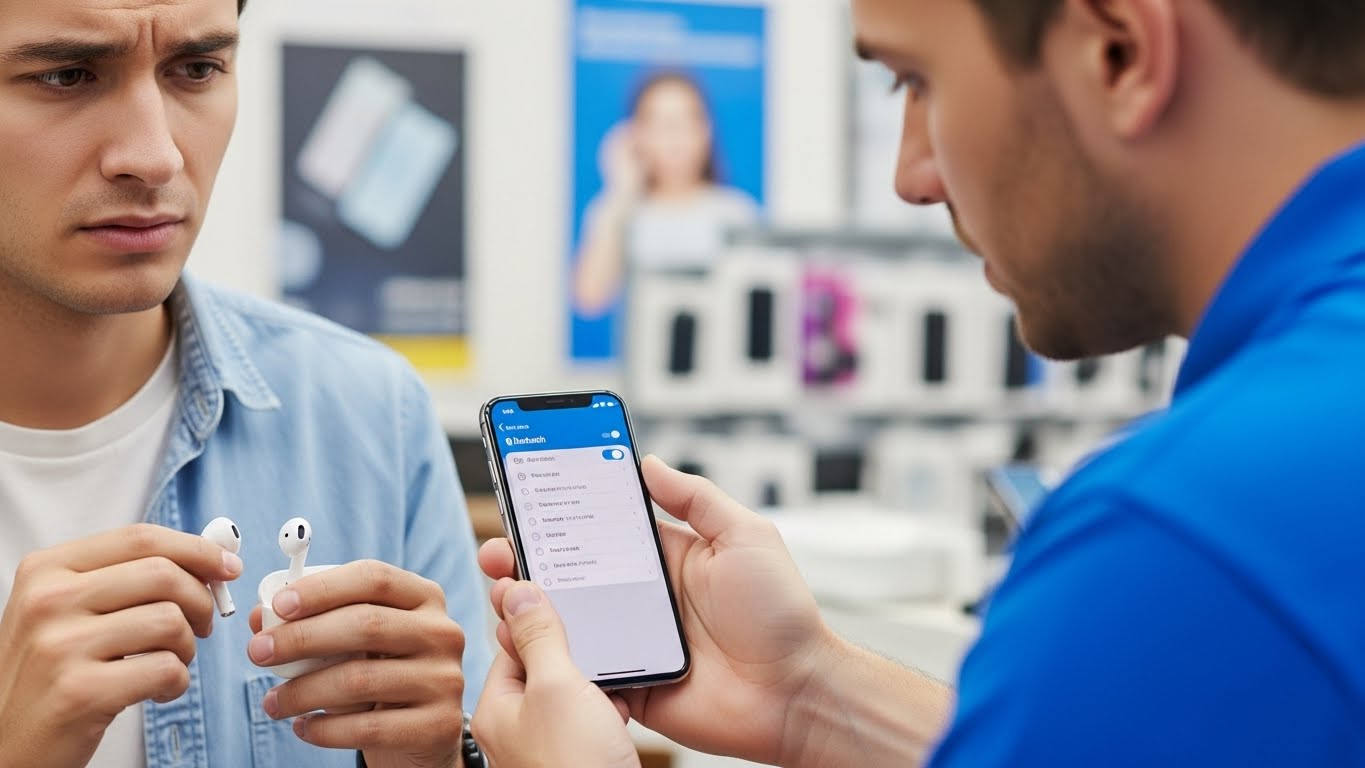
Bluetooth issues on an iPhone can disrupt daily routines instantly. AirPods won’t connect, car systems fail to pair, and Apple Watch connectivity breaks down.
When Bluetooth stops working properly on an iPhone, the issue is often deeper than a simple toggle or reset. At Stop to Fix, we diagnose and repair iPhone Bluetooth problems to restore stable and reliable wireless connections.
Why iPhone Bluetooth Stops Working
iPhones rely on tightly integrated hardware and software. When that balance is disrupted, Bluetooth issues appear.
iOS Software Conflicts
System updates or corrupted iOS files can interrupt Bluetooth services.
Bluetooth Antenna Damage
Drops or internal wear can damage the antenna lines responsible for wireless communication.
Logic Board Bluetooth IC Failure
The Bluetooth controller chip may fail due to heat, power stress, or aging components.
Overheating or Power Instability
When internal temperatures rise, Bluetooth modules may shut down to protect the device.
Accessory Pairing Errors
Previously paired devices may cause conflicts, preventing new connections.
Common iPhone Bluetooth Symptoms
-
Bluetooth won’t turn on
-
AirPods connect but no audio plays
-
Car Bluetooth disconnects repeatedly
-
Devices fail to pair
-
Bluetooth works only briefly
How Stop to Fix Repairs iPhone Bluetooth Issues
-
iOS Bluetooth diagnostics and configuration repair
-
Antenna and connector inspection
-
Logic board Bluetooth IC testing
-
Component-level repair or replacement
-
Power and thermal evaluation
-
Real-world pairing tests with Apple accessories
Restore iPhone Wireless Connectivity
Bluetooth issues don’t mean your iPhone needs replacement. With professional repair, wireless performance can be restored safely.
Visit Stop to Fix today and restore your iPhone’s Bluetooth functionality.