



Blog
Gaming Laptop GPU Overheating

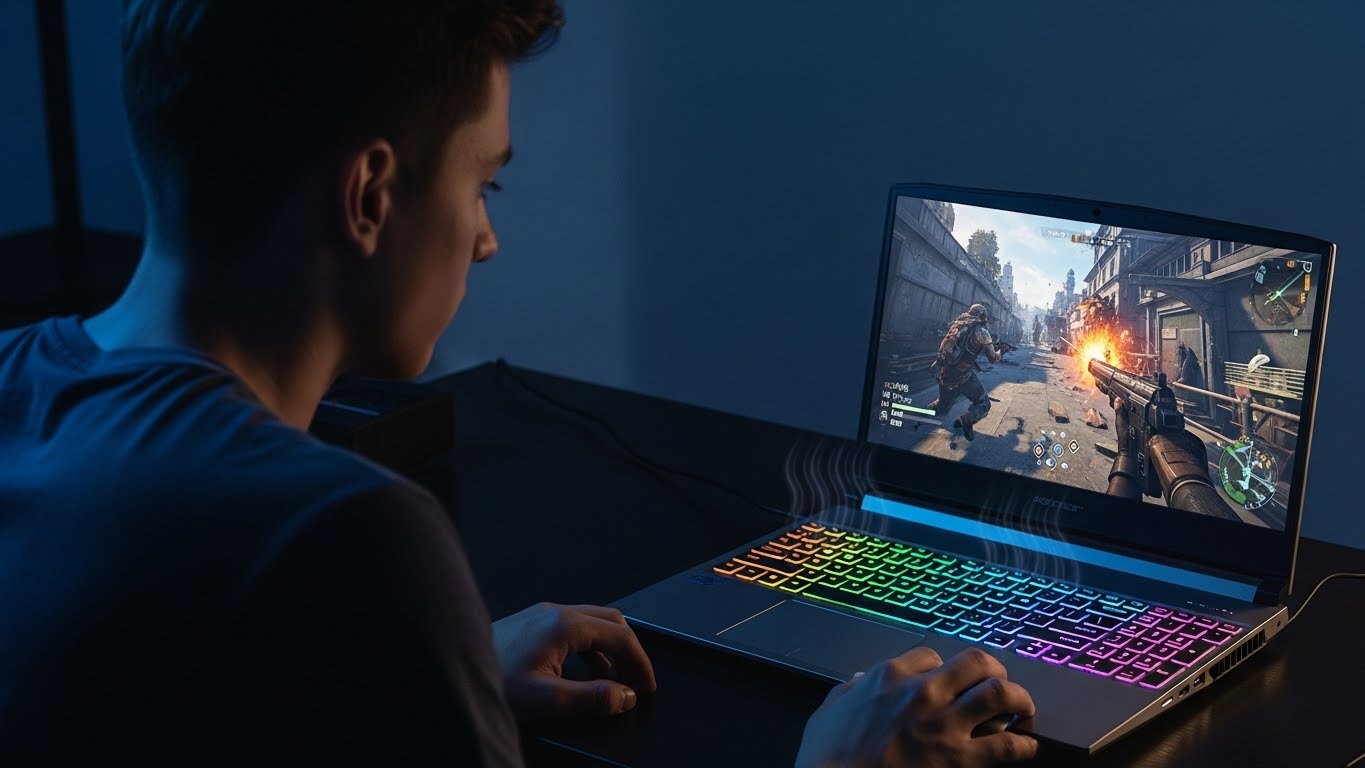
Gaming laptops are designed to deliver high performance in a compact form, but that power comes with one major challenge: heat. When the GPU in a gaming laptop overheats, performance drops sharply, fans become excessively loud, and sudden shutdowns can occur.
Over time, unmanaged heat can permanently damage internal components. At Stop to Fix, we specialize in diagnosing and resolving GPU overheating issues in gaming laptops to restore stable performance.
Why Gaming Laptop GPUs Overheat
Unlike desktop systems, gaming laptops have limited airflow and tightly packed components. Several factors contribute to overheating problems.
Dust and Internal Blockage
Dust accumulates quickly inside gaming laptops, blocking vents, fans, and heat pipes. Even a thin dust layer can significantly reduce cooling efficiency.
Degraded Thermal Paste
Thermal paste transfers heat from the GPU chip to the cooling system. With time and heavy use, the paste dries out and loses effectiveness.
Fan Wear or Failure
Gaming laptops rely on small, high-speed fans. When fans slow down, wear out, or become unbalanced, heat builds up rapidly.
High GPU Workload
Modern games, rendering tasks, and streaming push GPUs to their limits. Sustained load without proper cooling leads to thermal throttling.
Poor Airflow Environment
Using a gaming laptop on soft surfaces like beds or couches blocks airflow, trapping heat inside the system.
Power and Firmware Issues
Incorrect power profiles or outdated firmware may force the GPU to run at higher voltages than necessary.
Warning Signs of GPU Overheating
-
Sudden FPS drops during gameplay
-
Loud fans running constantly
-
Laptop shutting down without warning
-
GPU temperature spikes within minutes
-
Screen flickering or visual artifacts
-
Reduced performance after short gaming sessions
Ignoring these signs increases the risk of long-term GPU or motherboard damage.
How Stop to Fix Solves Gaming Laptop Overheating
At Stop to Fix, gaming laptops receive hands-on thermal diagnostics and professional repair.
1. Thermal and Load Testing
Technicians monitor GPU temperatures under idle and full gaming load.
2. Internal Cleaning
Dust is removed from fans, vents, and heat sinks using safe, precise methods.
3. Thermal Paste Replacement
High-performance thermal compound is applied to restore efficient heat transfer.
4. Cooling System Inspection
Fans, heat pipes, and cooling plates are inspected and repaired or replaced if needed.
5. Power Optimization
GPU power limits and system profiles are adjusted for balanced performance and heat control.
6. Stress and Stability Testing
The laptop is tested with real gaming scenarios to ensure stable temperatures and consistent performance.
Gaming Laptop Brands We Service
-
ASUS ROG and TUF series
-
MSI gaming laptops
-
Lenovo Legion
-
Acer Predator
-
HP Omen
-
Dell Alienware
Stop to Fix works across major gaming laptop brands with precision and care.
Why Choose Stop to Fix
-
Experienced gaming laptop technicians
-
Advanced thermal management solutions
-
High-quality materials and parts
-
Transparent diagnostics and pricing
-
Warranty-backed repairs
Your gaming laptop is treated as a performance machine, not a disposable device.
Protect Your Gaming Performance
GPU overheating doesn’t mean your gaming laptop is finished. With professional thermal repair and optimization, your system can return to smooth, reliable performance.
Visit Stop to Fix today and keep your gaming laptop running cool under pressure.