

Blog
Android Bluetooth Not Working

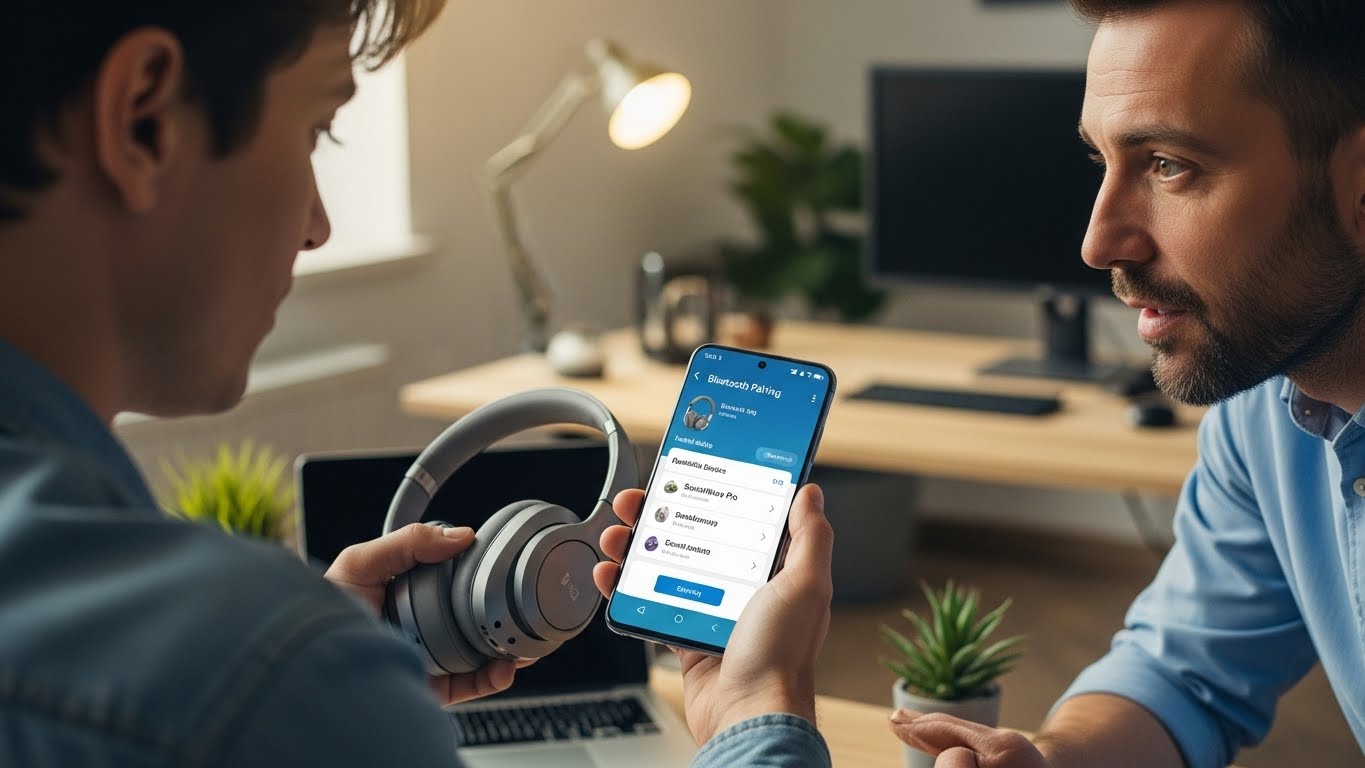
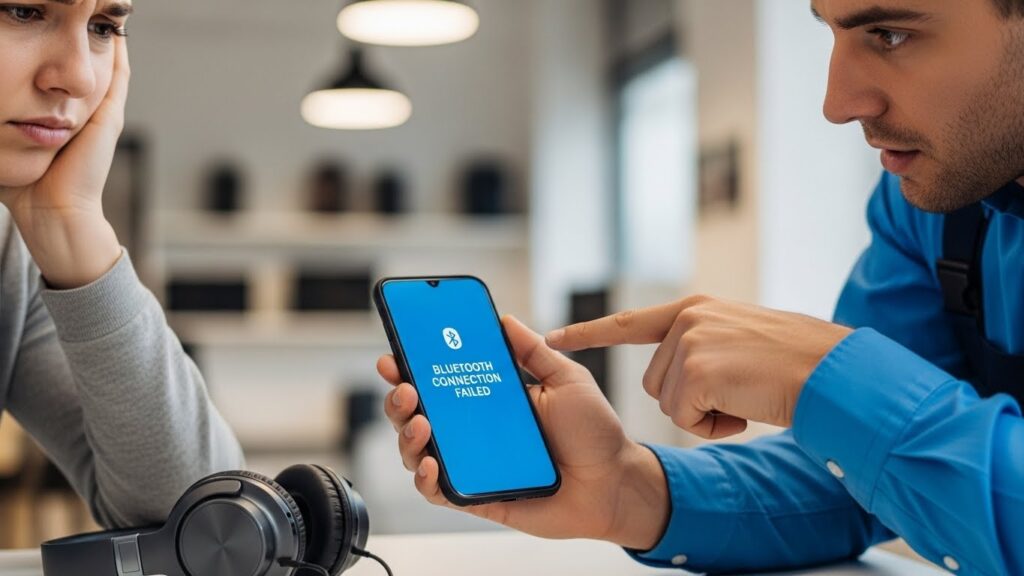
When Bluetooth fails on an Android phone, essential connections break down. Wireless headphones stop pairing, car systems fail to connect, and smart devices lose communication.
Android Bluetooth problems can stem from software fragmentation or hardware signal issues. At Stop to Fix, we identify and repair Android Bluetooth failures to restore dependable wireless connectivity.
Why Android Bluetooth Stops Working
Android devices vary widely in hardware and firmware, making Bluetooth issues more complex.
System Software Conflicts
Android updates or manufacturer skins can interrupt Bluetooth services.
Corrupted Bluetooth Cache
Stored pairing data may block new connections.
Shared Antenna Line Damage
Bluetooth and Wi-Fi often share antennas. Damage affects both signals.
Bluetooth Module Failure
The wireless chip may fail due to heat or electrical stress.
Power Management Errors
Battery or power IC issues can disable Bluetooth functionality.
Common Android Bluetooth Symptoms
-
Bluetooth won’t activate
-
Phone can’t find nearby devices
-
Audio cuts in and out
-
Pairing fails repeatedly
-
Bluetooth disconnects automatically
How Stop to Fix Repairs Android Bluetooth Issues
-
Android Bluetooth system diagnostics
-
Cache and configuration repair
-
Antenna and signal line inspection
-
Bluetooth module testing and repair
-
Power and thermal analysis
-
Multi-device pairing tests
Restore Android Wireless Performance
Android Bluetooth problems don’t require device replacement. Professional repair can restore stable connectivity.
Visit Stop to Fix today and restore your Android phone’s Bluetooth performance.