



Blog
MacBook Screen Repair Cost in 2026

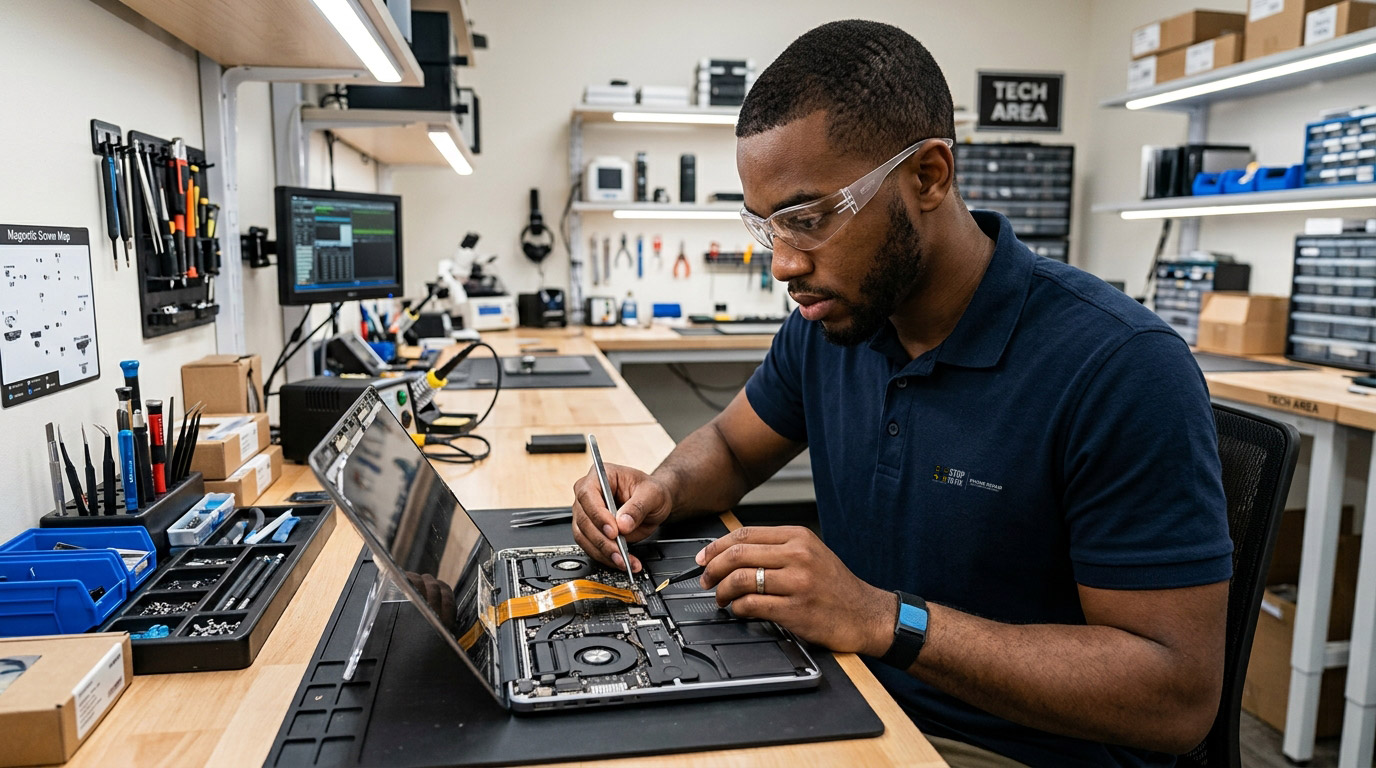
You cracked your MacBook screen. Before you do anything, you need to know one thing that most people don’t: a MacBook “screen repair” is not like a phone screen repair.
Apple doesn’t just swap the glass. They replace the entire display assembly panel, lid, hinges, camera, and antennas as one sealed unit. That’s why the prices are what they are.
Here’s a complete breakdown of what MacBook screen repair actually costs in 2026, who to go to, and when the repair is and isn’t worth it.
Why MacBook Screen Repair Is Expensive
Unlike a smartphone where the display is a modular component, modern MacBook displays are bonded assemblies. Apple replaces the entire display assembly panel, lid, hinges, camera not just the glass.
This means even a single crack in one corner of the screen results in replacing everything above the keyboard hinge. The part cost alone for newer MacBook Pro models runs hundreds of dollars, and labor adds to that on top.
There are a few exceptions older MacBook models and some component-level repairs like Flexgate (backlight cable failure) can sometimes be addressed at lower cost without a full assembly replacement. But for any crack or display damage on a current MacBook, full assembly replacement is almost always the repair path.
Apple’s Official Repair Pricing (Out-of-Warranty, 2026)
Out of warranty at Apple in 2026: roughly $329–$479 for a MacBook Air, $449–$599 for a 13-inch Pro, $599–$699 for a 14-inch Pro, and $699–$799 for a 16-inch Pro.
For M4 Pro and M4 Max models with mini-LED Liquid Retina XDR displays: Apple’s official pricing tends to run $455–$755 for Retina-display MacBook Pros, and recent M4 models can push closer to $900 or more out-of-warranty.
With AppleCare+
MacBook Pro: AppleCare+ costs $149.99 for 2 years (14-inch). One screen repair costs $99 service fee vs $609–$699 without. Massive saving on a single incident. AppleCare+ also covers battery replacement free if battery holds less than 80% of original capacity before coverage expires.
If you have AppleCare+: pay the $99 service fee and move on. The math is unambiguous. Check at appleid.apple.com if you’re not sure whether your MacBook has coverage.
Independent Shop Pricing (2026)
Independent repair shops typically run 20–35% under Apple’s pricing.
Realistic ranges at a quality independent shop in 2026:
| MacBook Model | Estimated Independent Repair Cost |
|---|---|
| MacBook Air 13″ (M1/M2/M3) | $280 – $420 |
| MacBook Air 15″ (M2/M3) | $320 – $480 |
| MacBook Pro 13″ (M2) | $350 – $520 |
| MacBook Pro 14″ (M3/M4) | $420 – $600 |
| MacBook Pro 16″ (M3/M4) | $500 – $720 |
| MacBook Pro 14″/16″ M4 Pro/Max | $550 – $800 |
MacBook screen repair costs range from around $150 at local shops to $850+ at Apple, depending on your model and repair source. Note that the $150 end of that range applies to older, out-of-production models current Apple Silicon MacBooks sit in the middle-to-upper range.
When Is Repair Worth It?
M-series Mac under three years old? The repair usually pencils out get the independent quote first, it’s 20–35% under Apple’s.
A MacBook Air M2 purchased two years ago in good condition is worth $700 to $900 on the used market. A screen repair at $350 to $420 restores full value you’re keeping a $700 to $900 device for $400 rather than spending $1,099 to $1,299 on a new one.
The math works in your favor for any MacBook under three to four years old in otherwise good condition.
Intel-era Mac? Don’t put a $450 panel in a $300 laptop. Sell it cracked, and the check plus the repair money you didn’t spend covers a refurbished Apple Silicon Mac with a perfect screen and a 1-year warranty.
For Intel MacBooks (2019 and earlier), check the device’s actual resale value cracked vs. repaired before committing to repair. The older the model, the more likely you’re better off selling damaged and putting that money toward a newer machine.
Types of MacBook Display Damage Not All Repairs Are Equal
Cracked outer glass: Full display assembly replacement. The most common and most expensive scenario.
Flexgate (backlight cable failure): A known defect affecting some MacBook Pro 2016–2019 models. The backlight cable is too short and frays over time, causing a “stage light” effect at the bottom of the screen. This can sometimes be repaired at component level for less than a full assembly replacement ask specifically about this if your display has a dark band at the bottom.
Staingate (anti-reflective coating peeling): A cosmetic issue where the anti-reflective coating peels off the screen. Apple ran a repair program for affected models. Check if your MacBook qualifies at apple.com/support before paying for a repair.
Pressure damage (white spots, blotches): Caused by closing the laptop on something sitting on the keyboard. Requires display assembly replacement.
Display lines or flickering without impact: May be a GPU or display connector issue rather than the panel itself. Worth a diagnostic before assuming full assembly replacement is needed.
What to Do Before Bringing Your MacBook In
Back up immediately. If the screen is cracked but the MacBook still powers on connect to an external monitor via Thunderbolt/USB-C, back up to Time Machine or iCloud, and then bring it in. Screen repairs don’t typically require data loss, but a fresh backup protects you from any unexpected complication.
Check AppleCare+ coverage. Visit appleid.apple.com → select the MacBook → check warranty status. If AppleCare+ is active, the $99 fee is dramatically better than any independent repair.
Check for repair programs. Apple has run programs for Flexgate and Staingate on specific models. Search “Apple MacBook [your model year] display repair program” before paying out of pocket.
MacBook Screen Repair at Stop to Fix San Antonio
We repair MacBook screens across all current Apple Silicon models MacBook Air (M1 through M3) and MacBook Pro (M2 through M4 Pro/Max). We use quality display assemblies with True Tone, auto-brightness, and full feature compatibility.
Free diagnostic before any quote. Most MacBook screen repairs are completed same-day or next-day when the display assembly for your model is in stock. Call ahead to confirm availability for M4 Pro and M4 Max models.
📍 Bandera Road: 11851 Bandera Rd., Suite 104, San Antonio, TX 78023
📍 Pleasanton: 1320 W Oaklawn Suite D, Pleasanton, TX 78064
📞 Bandera: (210) 325-9913 | Pleasanton: (210) 371-8328
🌐 stoptofix.com/get-instant-estimate