



Blog
PS5 Controller Drift Fix or Replace?

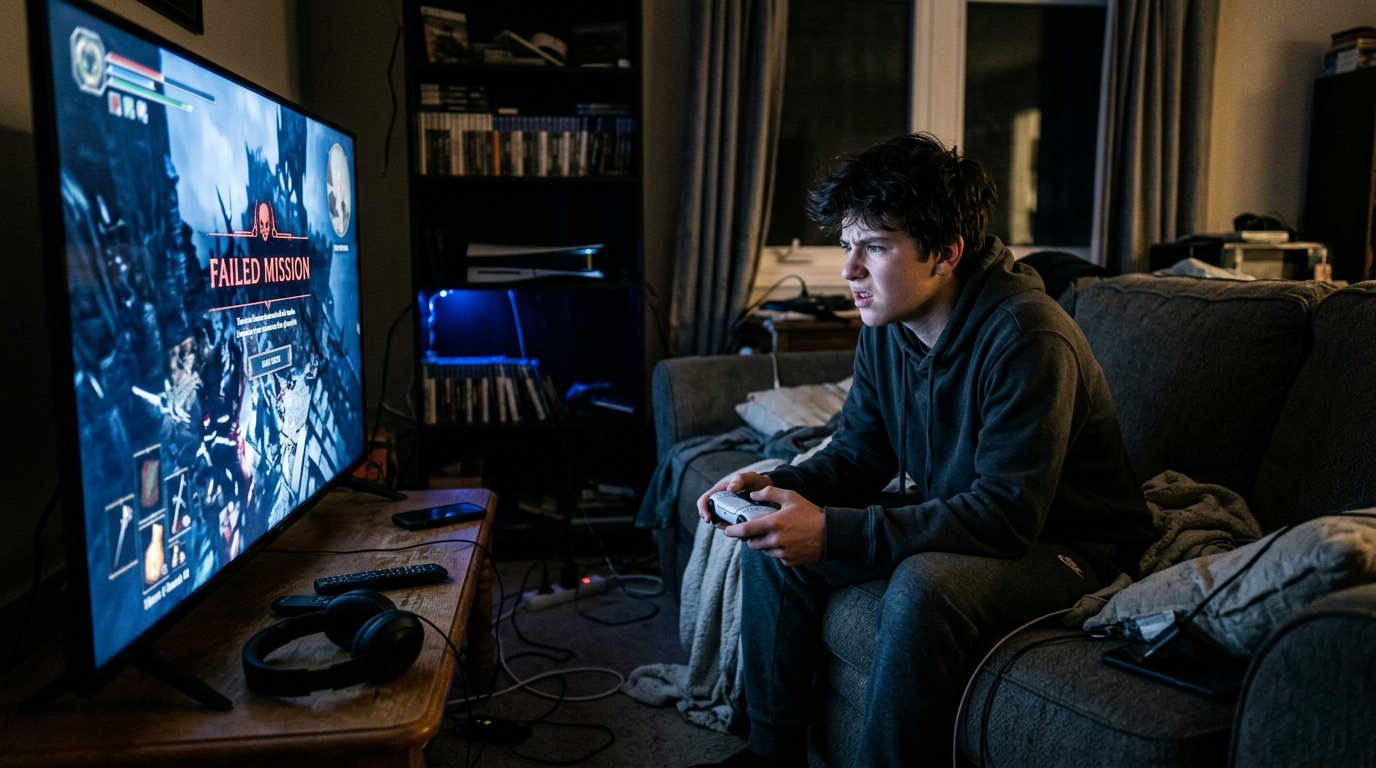
You’re in the middle of a game maybe a tense firefight, maybe an open-world exploration and your character starts moving on its own. You’re not touching the joystick. But the camera drifts, the character walks, or the aim creeps in one direction. You try recalibrating. You restart. It comes back.
This is controller drift, and if you own a PS5 DualSense, there’s a good chance you’ve already dealt with it or will soon. It’s one of the most common complaints about the otherwise excellent DualSense controller and it has a real, fixable cause.
Here’s everything you need to know: what drift actually is, why it happens, what you can do about it, and whether repair or replacement makes more sense for you.
What Is Controller Drift?
Drift happens when your controller’s analog stick registers movement even when you’re not touching it. Your thumbstick sends a constant signal to the game telling it to move left, look up, scroll down without any input from you.
It sounds like a software glitch, but it’s almost always a hardware problem. Specifically, it’s the analog stick mechanism itself wearing out.
Modern joysticks use a small potentiometer a sensor that measures the position of the stick and translates it into directional input. Over time, the carbon contacts inside this sensor wear down from friction. As the material degrades, the sensor starts misreading the stick’s position, even when it’s centered. That misread becomes drift.
The DualSense is particularly susceptible to this because of its haptic feedback and adaptive trigger mechanisms, which put more mechanical stress on the controller overall. Sony has faced ongoing criticism and legal action over drift issues in both the DualShock 4 and the DualSense.
How to Confirm It’s Actually Drift
Before assuming the worst, run through these quick checks:
Check the dead zone settings in your game. Some games allow you to increase the analog stick dead zone — the range of movement that the game ignores. Increasing this can mask minor drift. It’s not a fix, but it confirms whether the issue is mechanical or a software sensitivity setting.
Use PlayStation’s controller calibration tool. Go to Settings → Accessories → Controllers → Calibrate DualSense Wireless Controllers. Follow the on-screen steps. If drift persists after calibration, the issue is hardware.
Watch the input monitor. On PC, you can plug the controller in and use a tool like Gamepad Tester (gamepadtester.net) to see raw input from each stick. If the stick shows movement without being touched, drift is confirmed.
Check for physical debris. Sometimes dust, crumbs, or particles under the stick cap cause it to register off-center. Try removing the stick cap and using a can of compressed air to clean around the base of the joystick.
If drift persists after all of the above, the joystick mechanism needs attention.
Your Options — What Actually Works
Option 1: Contact Sony for Warranty Repair
If your PS5 controller is still under Sony’s one-year limited warranty, contact PlayStation support before spending anything. Sony has repaired or replaced DualSense controllers under warranty for drift issues, though the process involves mailing the controller in and waiting — typically one to three weeks.
Important caveat: warranty repairs only apply to controllers that haven’t been physically damaged. If the controller has been dropped or shows signs of impact damage, Sony may decline the warranty claim.
Bottom line: If you’re within the warranty window and can go without the controller for a few weeks, try Sony first. It’s free.
Option 2: Professional In-Person Repair
For controllers out of warranty — or if you need it back quickly — a qualified repair shop can fix drift by replacing the faulty analog stick module.
This is the repair we perform most often at Stop to Fix. The joystick mechanism is a replaceable component, and installing a quality replacement resolves drift completely in the vast majority of cases.
The process takes an experienced technician about 30–60 minutes. Done correctly, the repair is clean, the controller functions exactly as it did originally, and you get it back the same day.
Cost for a DualSense analog stick replacement at a quality repair shop typically runs $40–$80 depending on whether one or both sticks need replacing and the shop’s labor rates.
Bottom line: The best option if you’re out of warranty or need a fast turnaround. Same-day, reliable, and far cheaper than buying a new controller.
Option 3: DIY Repair
Replacement joystick modules for the DualSense are available online for around $5–$15. If you’re comfortable with small electronics, have the right tools (a small Phillips screwdriver, a tri-point Y00 screwdriver, and plastic opening tools), and are patient — this is doable.
The risks: DualSense controllers are more complex to open than previous PlayStation controllers, with ribbon cables and a tightly integrated haptic feedback board. One wrong move can tear a cable or crack a component, turning a $10 joystick fix into a $75 controller replacement.
There are also quality differences in replacement modules. The cheapest parts often replicate the same short-lived carbon contact design that causes drift in the first place. Quality shops source better components.
Bottom line: Viable if you’re experienced with electronics repair. Higher risk than it looks, and not recommended for first-timers.
Option 4: Buy a New Controller
A new DualSense retails for around $69–$75. That’s the baseline comparison for any repair decision.
If your controller is severely damaged beyond drift — broken triggers, cracked housing, dead haptics — replacement may make more sense. But for drift alone, which is a single component failure, paying $69 for a new controller when a $50–$80 repair restores it completely is rarely the right call financially.
There’s also no guarantee a new DualSense won’t drift. The underlying joystick design is the same, and drift can develop in new controllers after extended use.
Bottom line: Makes sense if the controller has multiple issues. For drift-only problems, repair almost always wins on value.
Can You Prevent Drift From Happening Again?
Drift is largely a wear-and-tear issue — but there are things that accelerate it:
Aggressive stick use. Pressing down hard on the sticks (L3/R3 clicks) repeatedly puts extra stress on the mechanism. Not something you can always avoid, but worth being aware of.
Playing through the stick cap. Removing the stock stick caps and using aftermarket thumbstick grips can actually help — better grip means less over-pressing.
Dust and particle buildup. Regular compressed air cleaning around the base of the sticks prevents debris from interfering with the mechanism.
Temperature extremes. Playing in very hot or cold environments accelerates material wear inside the potentiometer.
When we replace joystick modules at Stop to Fix, we source components with improved contact materials where available — which gives the replacement stick a longer lifespan than the original.
What About the DualShock 4 (PS4 Controller)?
Drift affects PS4 controllers for the same underlying reasons. The repair process is similar — joystick module replacement — and the cost is generally slightly lower than DualSense repairs, since PS4 controllers are simpler to disassemble.
If you’re still gaming on PS4 or using a DualShock 4 with your PS5, the same repair options apply. We fix both at Stop to Fix.
How Long Does a Controller Drift Repair Take?
At Stop to Fix, most DualSense drift repairs are completed within the hour. We don’t mail anything off — you bring it in, we fix it in front of you, and you leave with a working controller the same day.
We test every stick axis and button before handing it back to make sure everything is operating correctly. No drift, no dead zones, no surprises.
Stop to Fix — Game Controller Repair in San Antonio
We repair DualSense and DualShock 4 controllers, Xbox controllers, Nintendo Switch Joy-Cons, and more. Gaming controllers are something a lot of shops don’t touch — we do, and we do it well.
If drift is ruining your gaming sessions, bring it in. We’ll have you back in the game the same day.
📍 Bandera Road: Santikos Silverado Shopping Center, 11851 Bandera Rd., Suite 104, San Antonio, TX 78023 📍 Pleasanton: 1320 W Oaklawn Suite D, Pleasanton, TX 78064
📞 Bandera: (210) 325-9913 📞 Pleasanton: (210) 371-8328 🌐 stoptofix.com/get-instant-estimate
Quick Recap
- PS5 controller drift is caused by worn analog stick potentiometers — a hardware issue, not a software glitch
- Check warranty first: Sony repairs DualSense drift for free within the one-year window
- Professional repair ($40–$80) is the best value for out-of-warranty controllers — same-day, reliable
- DIY is possible but carries real risk for those unfamiliar with small electronics
- Buying new ($69–$75) is only worth it if the controller has multiple problems beyond drift
- At Stop to Fix, controller drift repairs are typically done within the hour