



Blog
Phone Dropped in Water? Here’s What to Do in the Next 60 Minutes

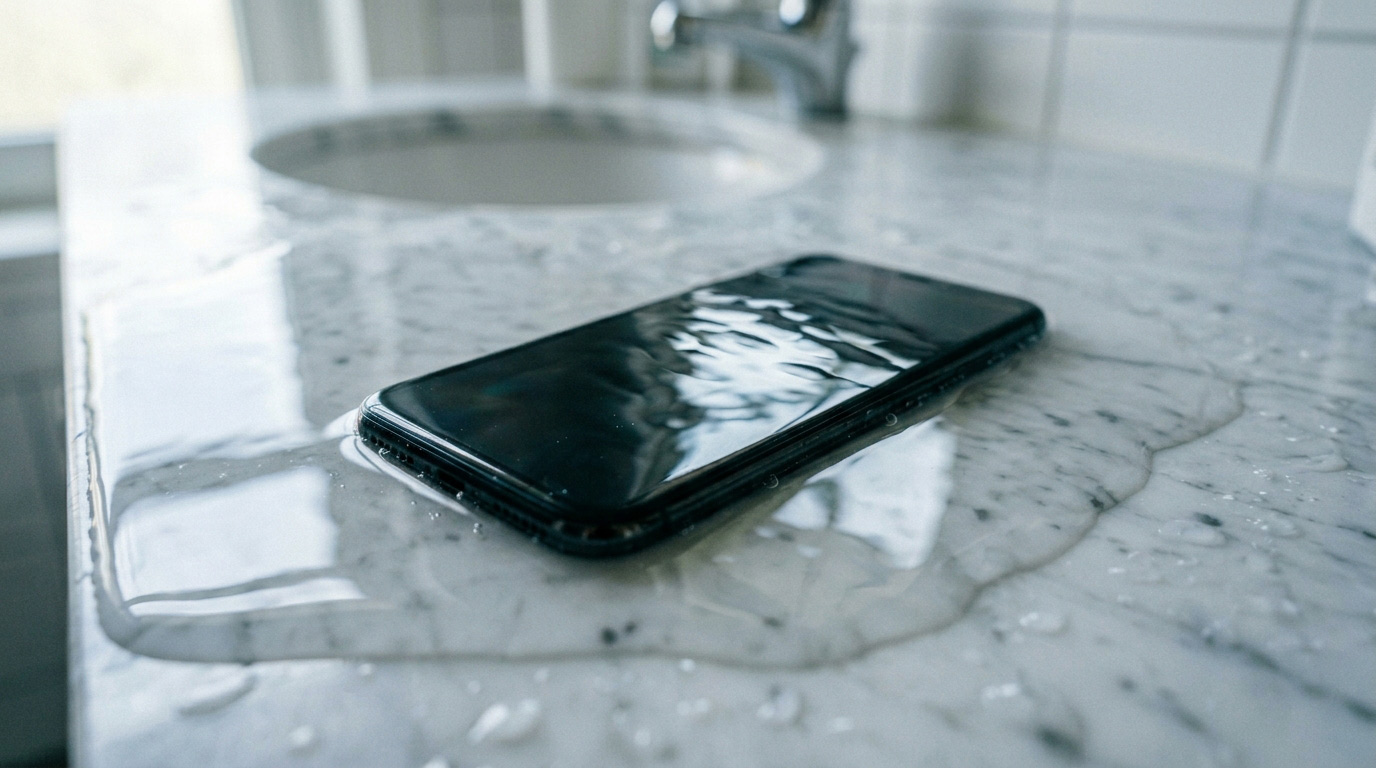
It happens faster than you’d expect. One second your phone is in your hand, the next it’s at the bottom of the sink, the toilet, the pool, or a puddle. That moment of panic is real — but what you do in the next 60 minutes will determine whether your phone survives.
This guide walks you through the right steps, the wrong assumptions, and when to bring your device to a professional before permanent damage sets in.
Why Water and Electronics Don’t Mix
Water itself doesn’t necessarily destroy a phone. The real danger is what happens when electricity and moisture meet inside the circuit board. When your phone is on and water reaches the internal components, it creates unintended electrical pathways — what engineers call a “short circuit.” This can fry chips, corrode contacts, and permanently destroy components that can’t be replaced.
Modern phones like recent iPhone and Samsung Galaxy models include water resistance ratings (IP67 or IP68), but “water resistant” is not the same as “waterproof.” These ratings apply to fresh water at specific depths and durations — not ocean water, not pool water with chlorine, and not a phone that already has a cracked screen or worn-out seals.
The moment your phone hits liquid, the clock starts.
What to Do Immediately (The Right Steps)
1. Get It Out of the Water — Now
Every second your phone sits submerged increases the chance of irreversible damage. Remove it immediately.
2. Power It Off
This is the most important step most people skip. If your phone is still on, turn it off right away. Do not unlock it to check notifications, take a screenshot, or try to back it up. Every action on a wet circuit is a potential short.
If the screen is unresponsive, hold the power button and volume button together to force a shutdown (varies by model).
3. Remove What You Can
Take out your SIM card and SIM tray — use the ejector tool or a paperclip. If your case is on, remove it. If there’s a removable battery (older Android models), take it out.
4. Dry the Outside Gently
Use a dry, lint-free cloth to wipe the exterior. Gently shake the phone to remove water from ports. Do not blow into the charging port — your breath adds humidity.
5. Stand It Upright with Ports Facing Down
Let gravity help. Standing the phone vertically with the charging port and speaker grills facing down allows water to drain outward rather than pool deeper into the device.
What Not to Do (Common Mistakes That Make It Worse)
Don’t Put It in Rice
We know — this is the advice everyone gives. But rice is largely a myth. Rice does not absorb enough moisture from inside a phone to make a meaningful difference. Worse, tiny rice particles and starch dust can get into your charging port and speakers. Studies and repair technicians consistently find that rice-treated phones show no better survival rates than phones simply left to air dry.
Don’t Use a Hair Dryer
Heat accelerates corrosion and can warp internal components. Even on the “cool” setting, the force of air can push water deeper into the device.
Don’t Put It in the Freezer
Another common myth. Cold temperatures cause condensation as the phone returns to room temperature — you’d be adding more moisture, not removing it.
Don’t Charge It
Plugging in a wet phone is one of the fastest ways to short-circuit it permanently. Wait until the phone has been professionally assessed before applying any power.
Don’t Wait to See If It “Works Fine”
Corrosion from water damage is not always immediate. A phone that powers on after a dunking may develop problems hours, days, or even weeks later as oxidation spreads across the board. “It works fine right now” is not the same as “it survived.”
Silica Gel: A Slightly Better Alternative to Rice
If you have silica gel packets (the small “do not eat” packets that come in shoeboxes, electronics packaging, or vitamins), they’re a better option than rice for surface moisture. Place your phone in a sealed bag or container with several packets and leave it for 24–48 hours.
But again — this addresses surface and port moisture. It does not clean corrosion from inside the device.
When to See a Professional (Sooner Than You Think)
Ideally, you should bring a water-damaged phone to a repair technician within 24 hours — even if it appears to be working.
Here’s what a professional can do that you can’t at home:
Ultrasonic cleaning: Specialized cleaning solutions and ultrasonic baths remove corrosion from circuit boards without damaging components. This is often the difference between a fully recovered phone and one that dies weeks later.
Internal inspection: Technicians can open the device and visually inspect the logic board for signs of corrosion, water indicators, and damaged connectors.
Component-level diagnosis: Some water-damaged phones need specific parts replaced — charging ICs, battery connectors, or camera modules — rather than full replacements.
Data recovery: If the phone won’t power on, professional tools can often access storage chips directly to recover your photos, contacts, and files.
How Much Does Water Damage Repair Cost?
The honest answer: it depends on how much damage occurred and how quickly you acted.
Minor water damage caught early — where the board is cleaned and no components need replacing — is typically one of the more affordable repairs. More extensive damage, where components have corroded or shorted, costs more and may involve part replacement.
What’s consistent across all cases is this: early action dramatically reduces the total repair cost. A phone brought in within a few hours has a much higher chance of a simple, affordable fix than one that’s been “drying out at home” for three days.
At Stop to Fix, we offer free diagnostic assessments for water-damaged devices. We’ll tell you exactly what we’re seeing before any work begins, so there are no surprises.
iPhone vs. Android: Does Water Resistance Help?
If you have an iPhone 12 or newer, or a Samsung Galaxy S-series from the last few years, you may have some protection from brief water exposure — but it’s not a guarantee.
Water resistance ratings degrade over time. Drops, heat, pressure changes, and normal wear all reduce the effectiveness of internal seals. A two-year-old phone with an IP68 rating has measurably less water resistance than it did when it was new. And any phone with a cracked screen or compromised housing has essentially lost its water resistance entirely.
Treat water resistance as a safety net for accidents, not a license to be careless around water.
What If the Phone Won’t Turn On?
If your phone won’t power on after water exposure, don’t assume it’s dead. This is actually a protective state — some phones detect moisture and shut down automatically to prevent further damage. Others simply have a drained battery from being off.
A professional repair shop can test the device safely and determine whether the issue is:
A simple battery problem
Corrosion on charging contacts
A short that needs board-level cleaning
More significant component failure
At Stop to Fix, we’ve recovered phones that customers had already given up on. Don’t throw it away before you know what you’re dealing with.
Stop to Fix: Water Damage Repair in San Antonio
We’re located at two convenient San Antonio-area locations — Bandera Road (Santikos Silverado Shopping Center) and Pleasanton — and we see water-damaged devices every day.
Our approach is straightforward:
- Free diagnostics — we assess the damage before charging anything
- Same-day service on most water damage cases when parts are available
- Honest answers — we’ll tell you if repair is worth it, and we’ll tell you if it isn’t
- Data recovery — if the device can’t be saved, we’ll do our best to get your data out first
- Water damage is one of those situations where the next hour matters more than the next week. If your phone just took a swim, call us or come in. The faster we see it, the better your chances.
📞 Bandera: (210) 325-9913
📞 Pleasanton: (210) 371-8328
🌐 stoptofix.com/get-instant-estimate
Quick Reference: Water Damage Survival Checklist
✅ Remove from water immediately
✅ Power off the device
✅ Remove SIM card and case
✅ Wipe exterior dry with cloth
✅ Stand upright, ports facing down
✅ Use silica gel if available
✅ Bring to a repair shop within 24 hours
❌ Don’t use rice
❌ Don’t use a hair dryer
❌ Don’t charge it
❌ Don’t wait to “see if it’s fine”
❌ Don’t freeze it