



Blog
Phone Wi-Fi Not Connecting

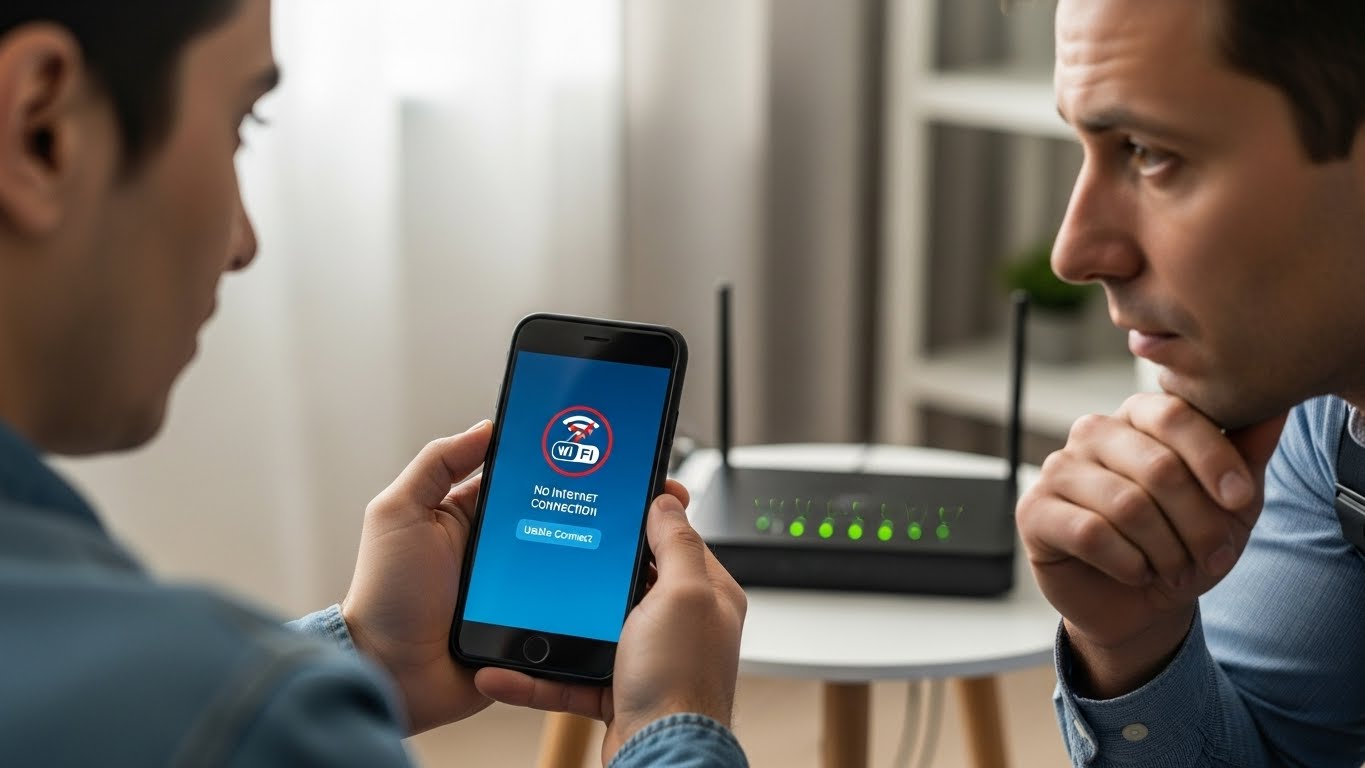
When your phone refuses to connect to Wi-Fi, everyday tasks quickly become frustrating.
Apps won’t load, videos buffer endlessly, and mobile data usage increases unexpectedly. Whether the phone can’t find networks, fails to connect, or disconnects repeatedly, Wi-Fi issues often point to deeper software or hardware problems. At Stop to Fix, we diagnose and resolve Wi-Fi connectivity issues to restore fast and stable internet access.
Why Phones Stop Connecting to Wi-Fi
Wi-Fi connectivity depends on precise coordination between software, antennas, and internal circuits. When one part fails, connection problems appear.
Corrupted Network Settings
Saved Wi-Fi configurations or system network files can become corrupted, preventing proper connection.
Software or Firmware Issues
System updates or incomplete installations may interfere with wireless communication.
Faulty Wi-Fi Antenna
Internal antenna cables are delicate. Drops or internal wear can weaken or break the connection path.
Router Compatibility Problems
Some phones struggle to connect to certain router configurations, especially after updates.
Hardware Signal Interference
Damage to internal signal lines or connectors can reduce Wi-Fi strength significantly.
Overheating or Power Issues
When a phone overheats or experiences power instability, Wi-Fi modules may shut down temporarily.
Common Wi-Fi Connection Symptoms
-
Phone can’t find available Wi-Fi networks
-
“Connected, no internet” message appears
-
Wi-Fi disconnects randomly
-
Very weak signal near the router
-
Wi-Fi works only intermittently
-
Other devices connect, but the phone does not
These signs usually persist even after restarting the device.
How Stop to Fix Restores Wi-Fi Connectivity
At Stop to Fix, Wi-Fi issues are diagnosed with careful testing and hands-on repair.
1. Network Configuration Testing
Technicians inspect and reset corrupted network settings safely.
2. Software Stability Checks
Operating system files related to Wi-Fi communication are examined and repaired if needed.
3. Antenna and Connector Inspection
Internal Wi-Fi antennas and connectors are checked under magnification for damage or disconnection.
4. Hardware Signal Repair
Damaged antenna lines or signal components are repaired using precision tools.
5. Power and Thermal Analysis
The phone is tested for power or heat-related interruptions affecting Wi-Fi performance.
6. Live Connectivity Testing
The device is tested on multiple Wi-Fi networks to ensure stable connection before return.
Devices Commonly Affected
-
iPhone Wi-Fi not connecting
-
Samsung Galaxy Wi-Fi issues
-
Android phones dropping Wi-Fi
-
Phones with weak or unstable Wi-Fi signal
Stop to Fix services a wide range of phone models with consistent results.
Why Choose Stop to Fix
-
Experienced technicians in wireless signal repair
-
Advanced diagnostics for Wi-Fi and antenna issues
-
Transparent pricing and clear explanations
-
Warranty-backed repairs
-
Careful handling of every device
Your phone’s connectivity is restored with precision and responsibility.
Restore Your Wi-Fi Connection
A phone that won’t connect to Wi-Fi doesn’t have to be replaced. With professional repair and diagnostics, your device can regain fast and reliable wireless access.
Visit Stop to Fix today and restore your phone’s Wi-Fi performance.