



Blog
Phone No Signal After Update

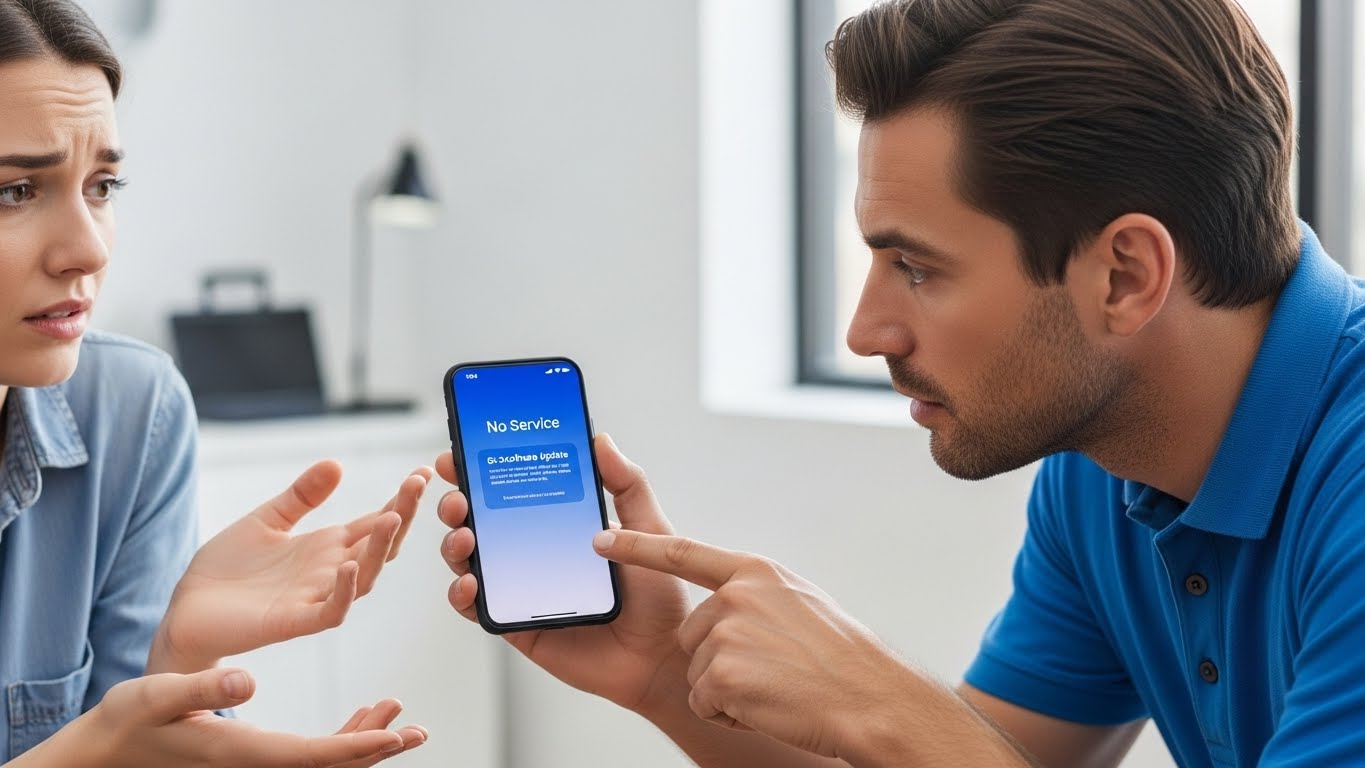
A phone software update is supposed to improve performance and security but sometimes it causes unexpected problems.
One of the most frustrating issues users face is losing network signal immediately after an update. Calls fail, mobile data disappears, and the phone may display “No Service” even though the SIM card is installed correctly. When this happens, the problem is often more complex than simple settings, and professional diagnostics become necessary. At Stop to Fix, we help restore signal and connectivity after update-related failures.
Why Phones Lose Signal After an Update
Software updates modify how the phone communicates with hardware components. When something goes wrong during this process, network connectivity can be affected.
Corrupted Network Settings
Updates can overwrite or damage network configuration files, preventing the phone from connecting to carriers properly.
Baseband Firmware Issues
The baseband controls cellular communication. If its firmware becomes corrupted during an update, the phone may lose signal entirely.
Incompatible Carrier Profiles
Some updates fail to sync correctly with carrier settings, especially on unlocked devices.
SIM Reader Communication Errors
After updates, software may fail to communicate correctly with the SIM reader hardware.
Pre-Existing Hardware Weakness
Updates can expose underlying issues in antennas, connectors, or signal circuits that were already failing.
Common Symptoms After the Update
-
“No Service” or “Searching” message
-
Signal bars disappear completely
-
Mobile data not working
-
Calls and texts fail
-
SIM works in other phones
-
Network drops randomly
These symptoms often persist even after restarting the device.
How Stop to Fix Restores Signal After Updates
At Stop to Fix, update-related signal issues are handled with structured diagnostics and hands-on repair.
1. Network Configuration Analysis
Technicians inspect and reset corrupted network settings safely.
2. Baseband and Firmware Testing
The phone is checked for baseband communication errors and firmware integrity.
3. SIM and Antenna Inspection
SIM reader contacts and internal antenna connections are examined for faults.
4. Software Repair or Reinstallation
When needed, the operating system is repaired or reinstalled correctly.
5. Hardware Signal Repair
Damaged antenna lines or connectors are repaired using precision tools.
6. Live Network Testing
The phone is tested on active networks to confirm stable signal before return.
Devices Commonly Affected
-
iPhone no signal after update
-
Samsung Galaxy no service issue
-
Android phones losing signal
-
Phones stuck on “Searching”
Stop to Fix services a wide range of phone models and update-related issues.
Why Choose Stop to Fix
-
Technicians experienced in software and hardware interaction
-
Advanced diagnostics for baseband and signal issues
-
Transparent pricing and clear repair explanations
-
Warranty-backed repairs
-
Careful handling of every device
Your phone’s connectivity is restored with precision and responsibility.
Restore Your Network Connection
Losing signal after an update doesn’t mean your phone is broken permanently. With professional repair and diagnostics, your device can reconnect reliably.
Visit Stop to Fix today and restore your phone’s signal and connectivity.