



Blog
Data Transfer & Backup Issues

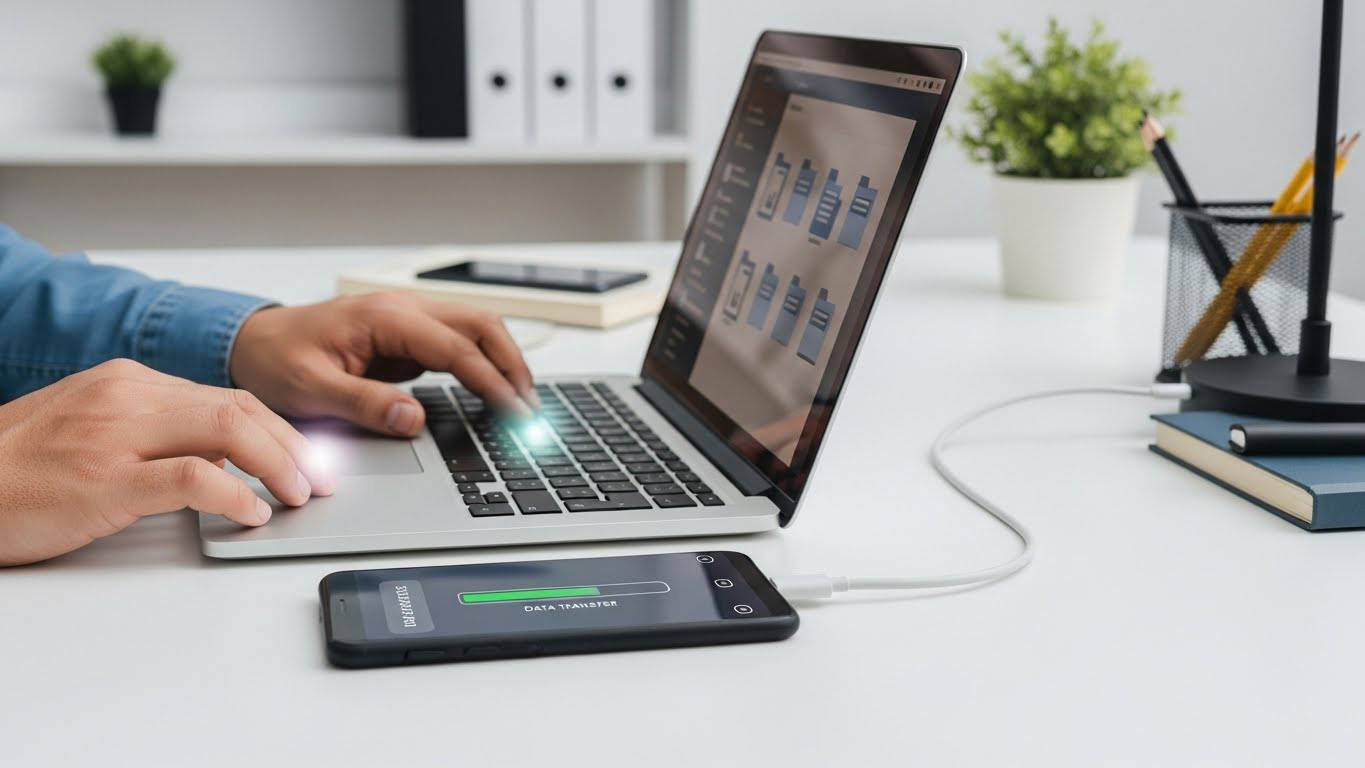
Losing photos, documents, or messages is one of the most stressful tech problems a user can face. When your phone or laptop refuses to back up or transfer data correctly, Stop to Fix steps in with human-led diagnostics and secure data recovery solutions.
Why Data Transfers Fail
- Failing USB ports or cables
- Damaged storage chips
- Corrupted iOS/Android files
- Outdated firmware
Failing SSD or internal memory - Malware blocking transfer
- Cloud sync errors
- Insufficient space or permission conflicts
Data problems can appear suddenly, often after a drop, system update, or battery failure.
How Stop to Fix Recovers & Secures Your Data
1. Hands-On Diagnostic Evaluation
A technician tests your device with multiple cables, ports, and software tools.
2. Storage Health Analysis
NAND, SSD, or internal memory chips are checked under specialized equipment.
3. Micro-Soldering for Damaged Chips
If the storage chip is loose or shorted, our experts repair it.
4. Secure Backup Extraction
We transfer files safely to external storage or cloud accounts.
5. System Stabilization
We restore your device to proper condition, ensuring future backups work flawlessly.
Why Trust Stop to Fix?
- Human handling, not automated scripts
- Confidential, secure data workflow
- Experience with iPhone, Samsung, Mac, Windows, Pixel
- Recovery possible even on severely damaged devices
Don’t risk losing your memories or work files.
Visit Stop to Fix for professional data recovery and transfer repair.